
To buy an image, follow the steps given below.
- Navigate to Stock Images.
- Search for the required image that you wish to buy.
The search result will be displayed.
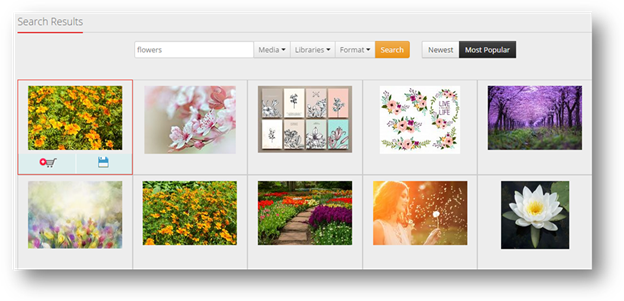
- Click Add to Cart (
 ) button on the image that you wish to buy.
The selected image will be added to cart and ready to buy.
- At the end of the page, click Checkout.
The Order Summary page will be displayed.
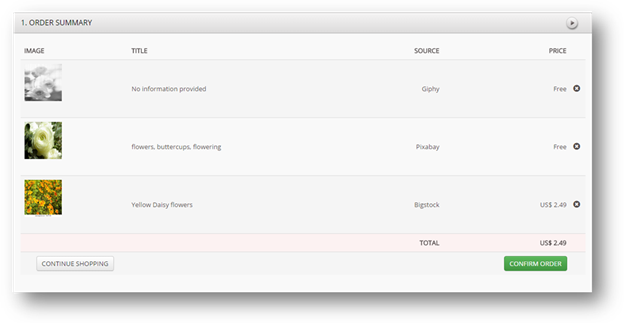
- Click Confirm Order.
The Payment Options section will be displayed.
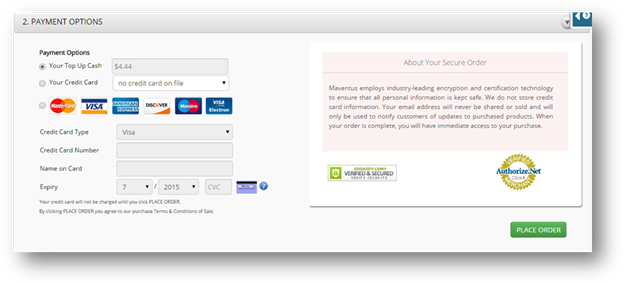
- Fill in the details of your payment and click Place Order.
The image can now be used in your MavSocial application.
Comments
0 comments
Please sign in to leave a comment.