
The Dashboard quickly and easily gives visibility into the social snapshot, social network graphs, and latest comments. You can also create a post and access content.
To access Dashboard, click the Dashboard option
The Home Dashboard will be displayed. You can see a message, when your data is syncing.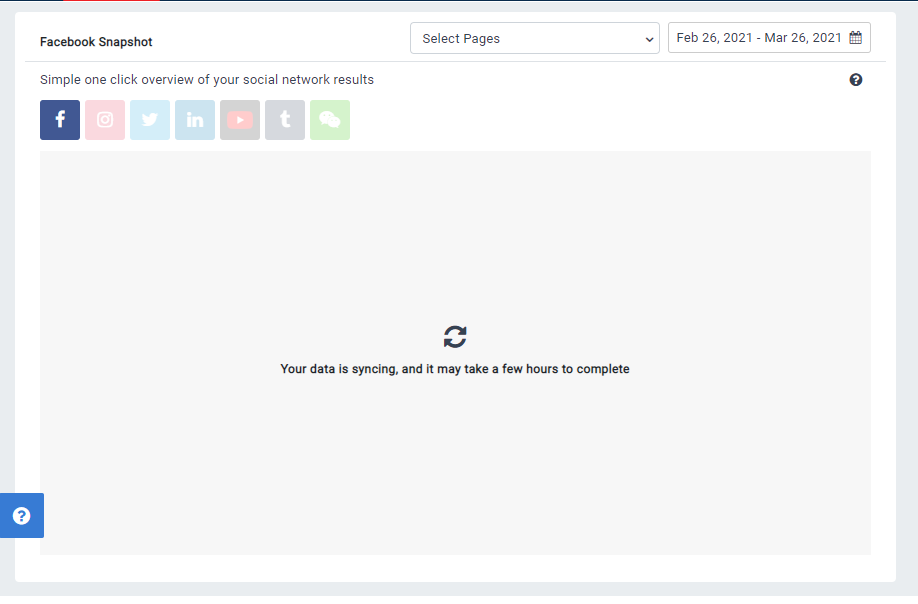
When your data is ready, you will be able to view key performance stats.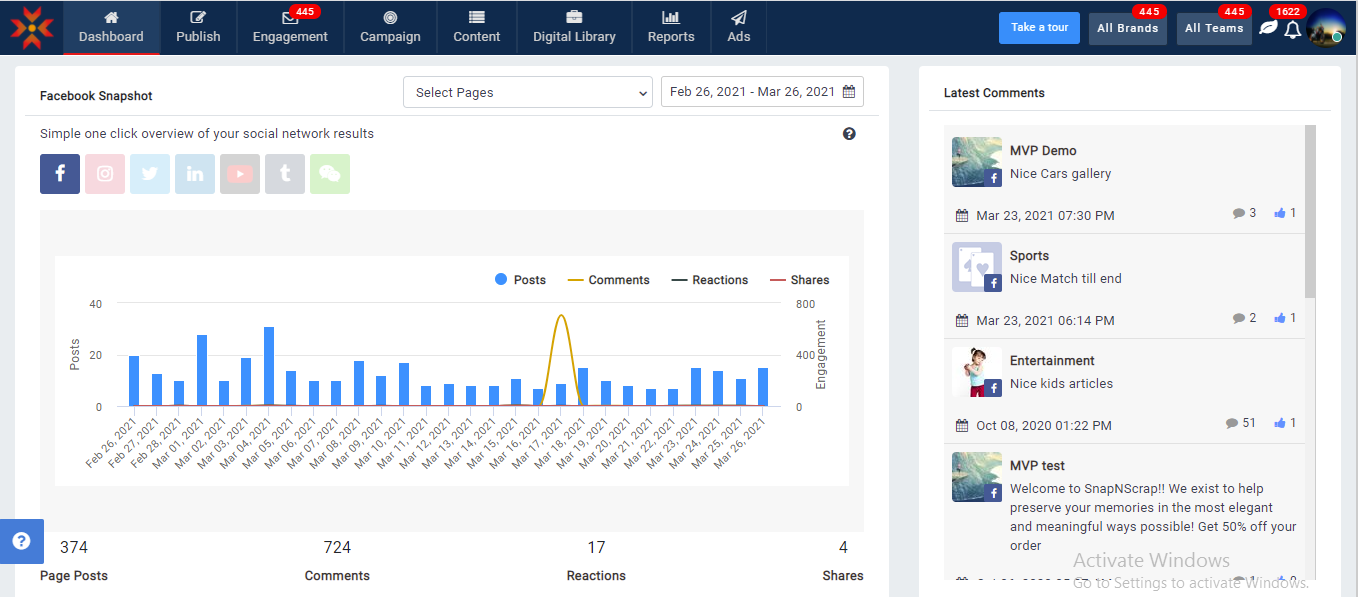
There are currently 2 different sections in Dashboard. They are
- Social Networks Snapshots
- Latest Comments
Social Network Snapshots
The Social Network Snapshot section gives a simple one-click overview of your social network results.
- Navigate to Dashboard > Click on the network icon
- Select the social network, the results of which you wish to view. In the example, Facebook is selected.
The Facebook Snapshot graph will be displayed.
The graph shows Page Posts, Likes, Comments, Shares for selected Facebook Page by duration.
Latest Comments
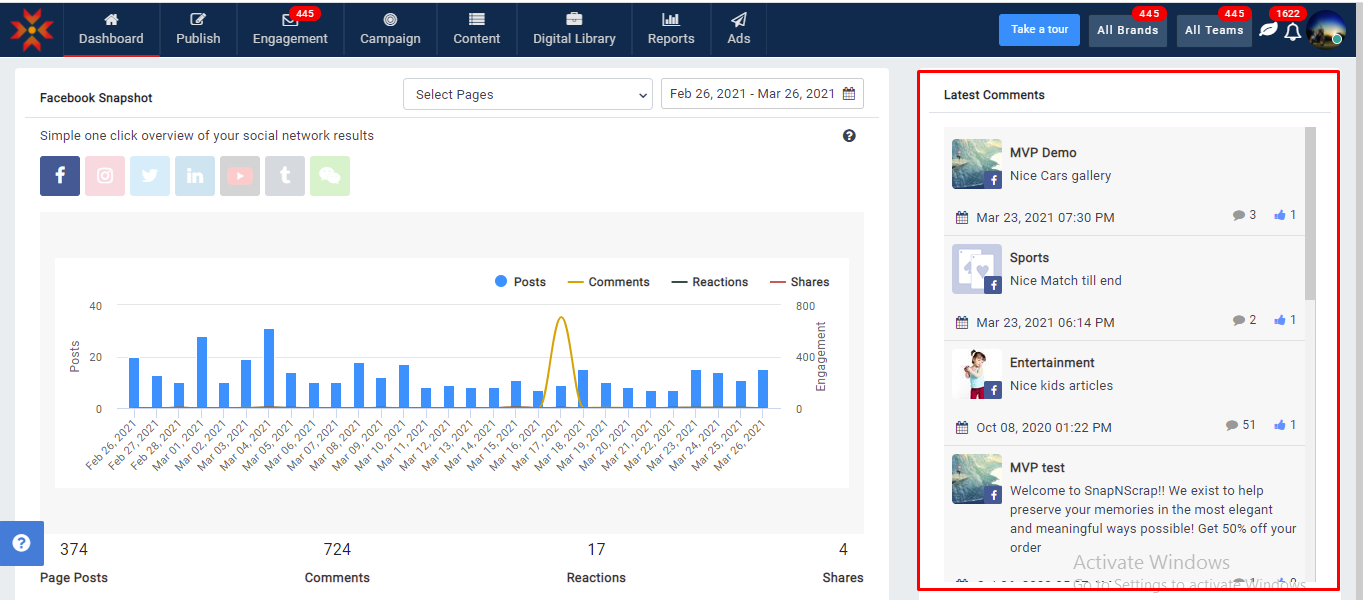
The Latest Comments section gives you a quick view of the latest comments pertaining to your posts/campaigns on the social networking sites.
Comments
0 comments
Please sign in to leave a comment.