
The RSS Content Manager section allows you to manage RSS Feeds and Categories.
- Navigate to RSS Content Manager > RSS Content.
The RSS Content Manager page will be displayed. (See example below)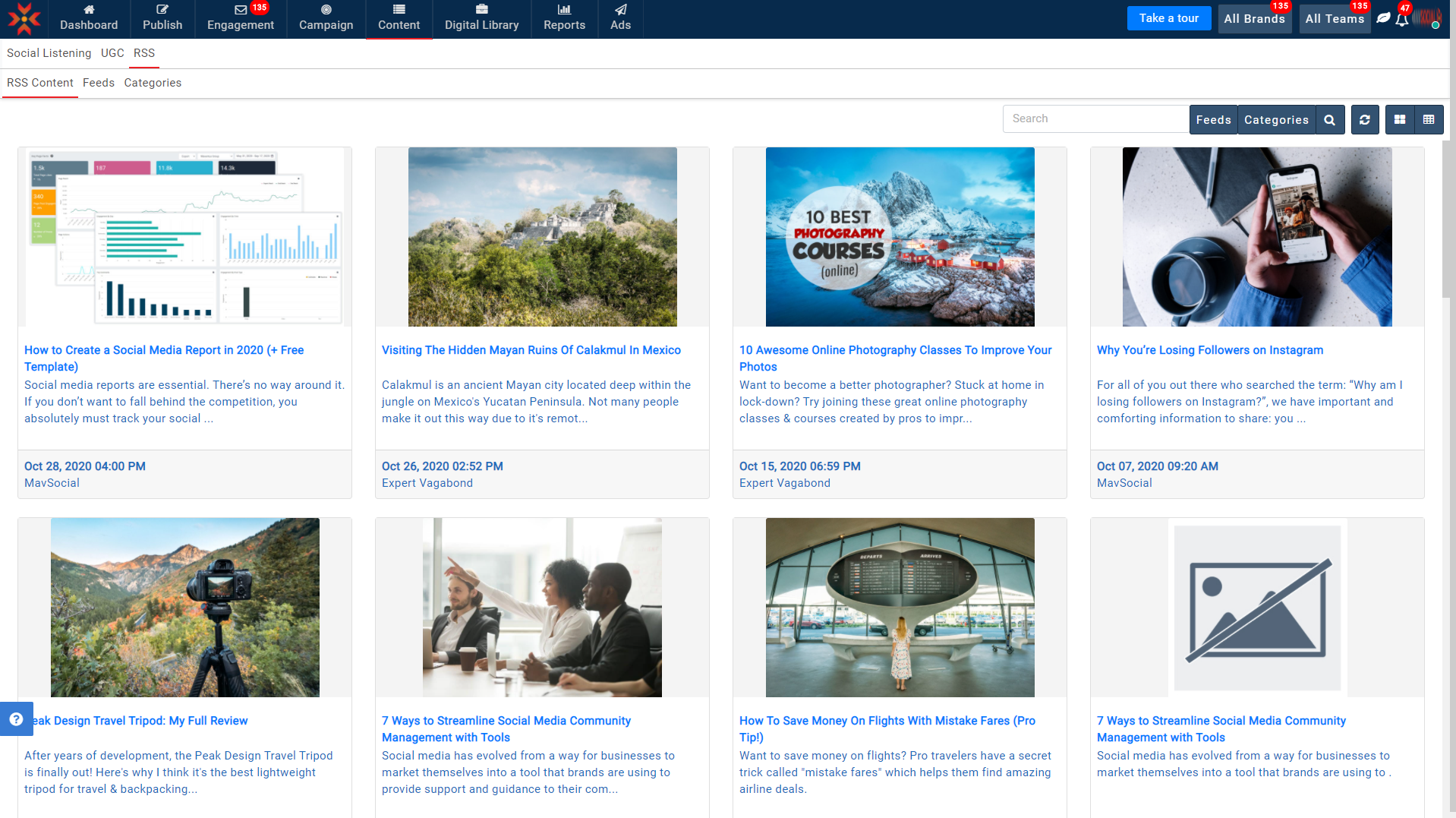
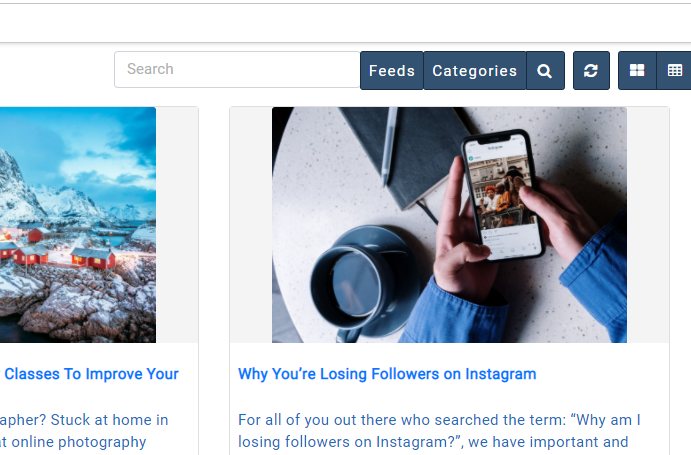
From here you can curate RSS content, feeds, and categories. - Filter your RSS content by feed, by user-defined categories, or by searching a keyword via the search box.
- Hover to any article and you can see the drop-down for Post manager, Save, or Copy Link URL.
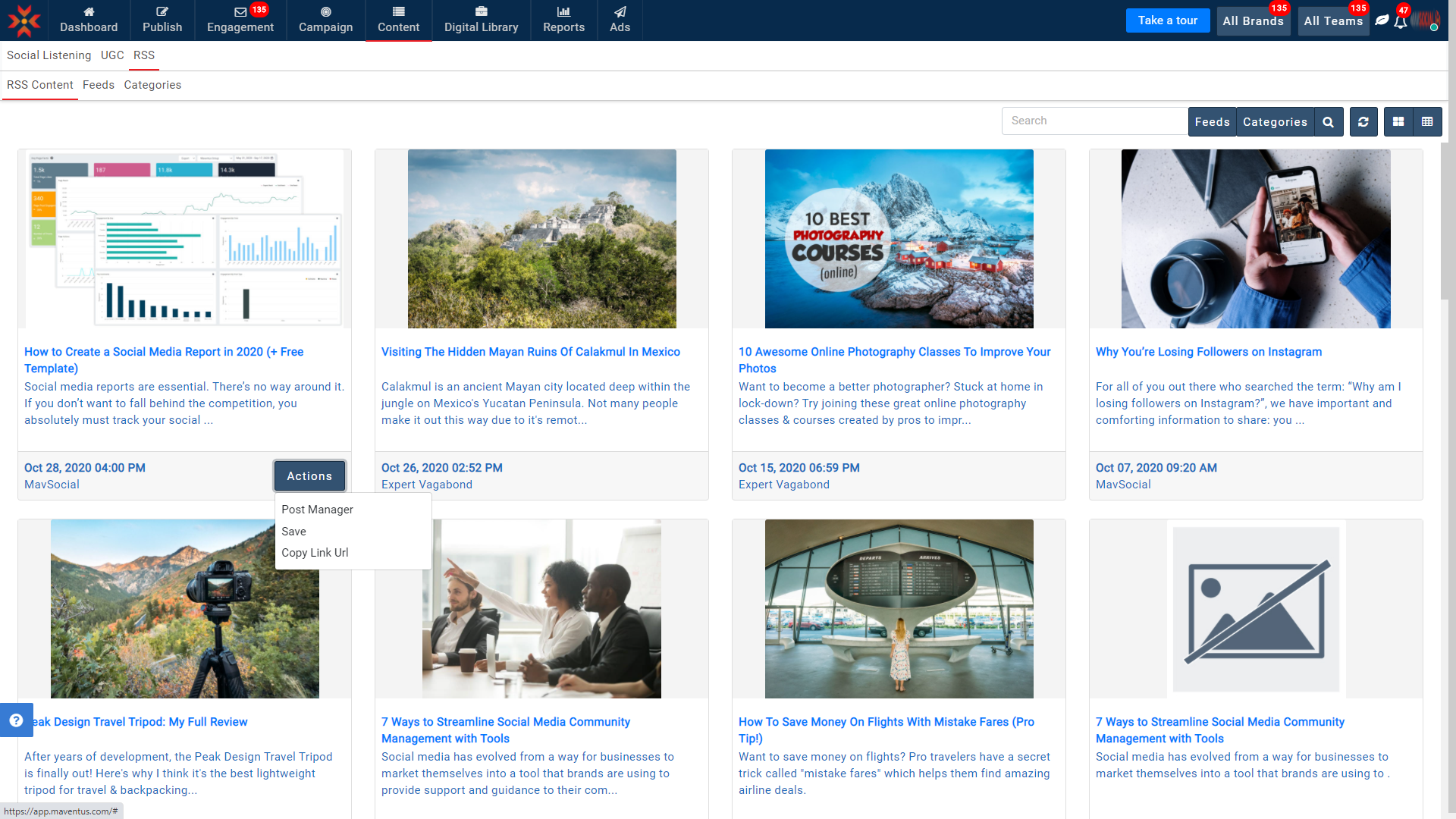
- Click on Post Manager - You can post articles to different networks, via the Post Manager, where the article will be automatically linked.
- Click on Save - You can save articles for later reference, and remove from saved articles.
- Click on Copy Link URL - You can copy the article link.
You can see how articles appear in Tile View and List View below.
Example: Tile View
Example: List View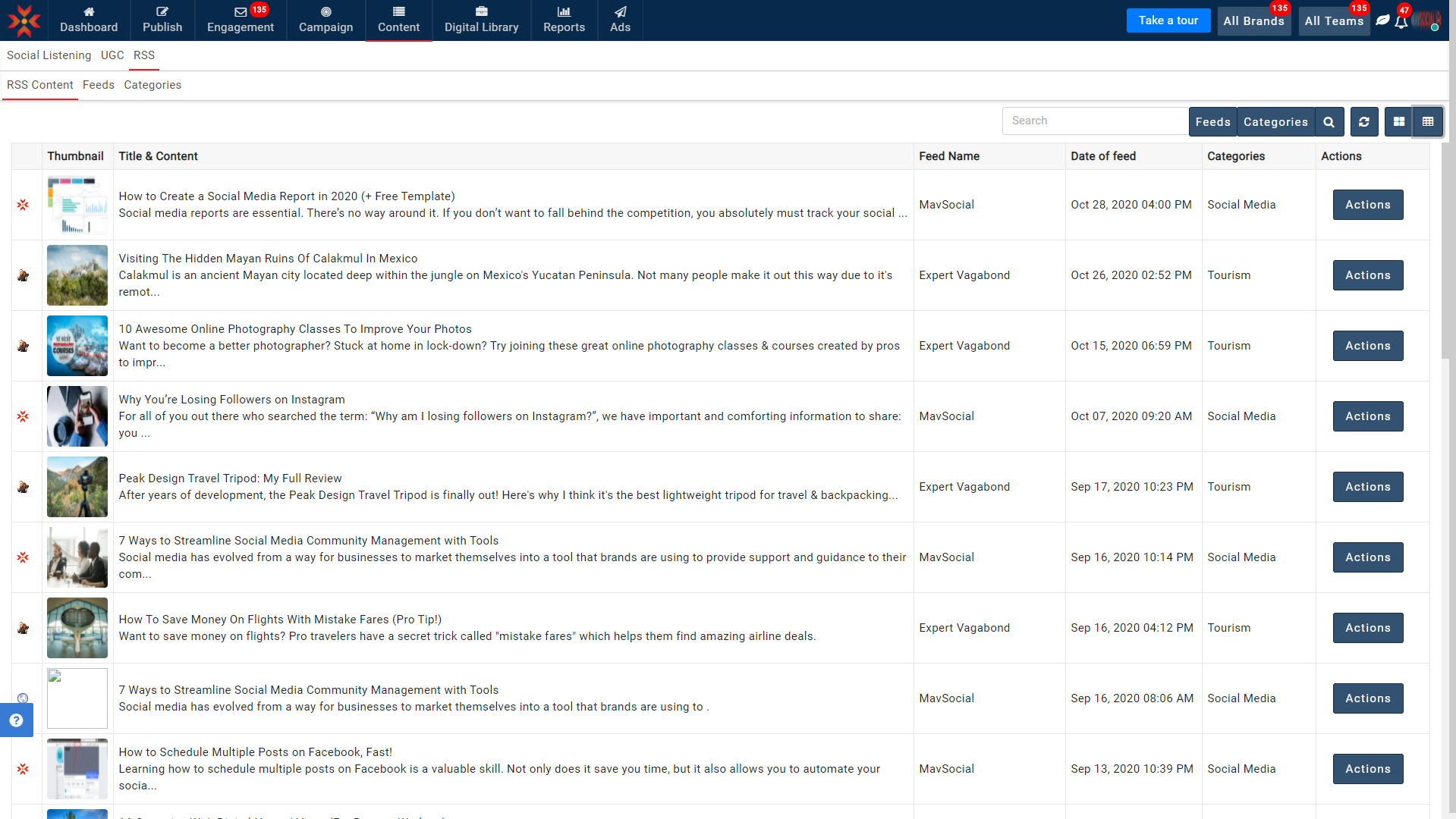
Comments
0 comments
Please sign in to leave a comment.