
To add or edit categories, Navigate to RSS Content Manager > Categories.
The Categories page will be displayed. (see example below)

Add New Category
- Enter the name of the category in the Category Name input field.
- Click Add.
The new category will be added. (See example below)

Edit Or Delete Categories
You can edit or delete categories in this section. (See example below)

Editing Categories
- Click Edit in the row of the category that you wish to edit. (See example below)
The selected category will be displayed in edit mode.
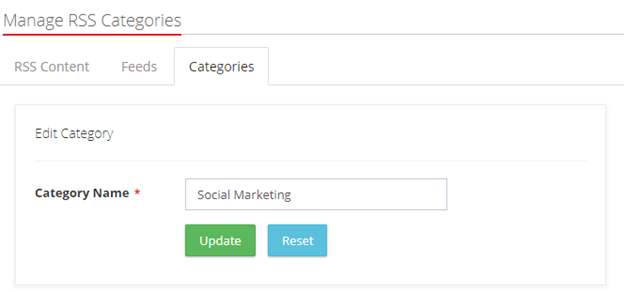
- Edit the name of the category in the Category Name input field.
- Click Update.
Deleting Categories
- Click Delete in the row of the category that you wish to delete.
The message pop-up to confirm the deletion of the feed will be displayed.
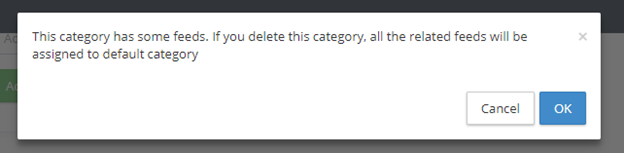
- Click OK.
- The selected category will be removed.
Comments
0 comments
Please sign in to leave a comment.