
To change the password, follow the steps given below.
Log in to MavSocial Application with your login credentials.
- Navigate to the Profile tab on the top right corner of the application and click the Profile option.
The Profile page will be displayed.
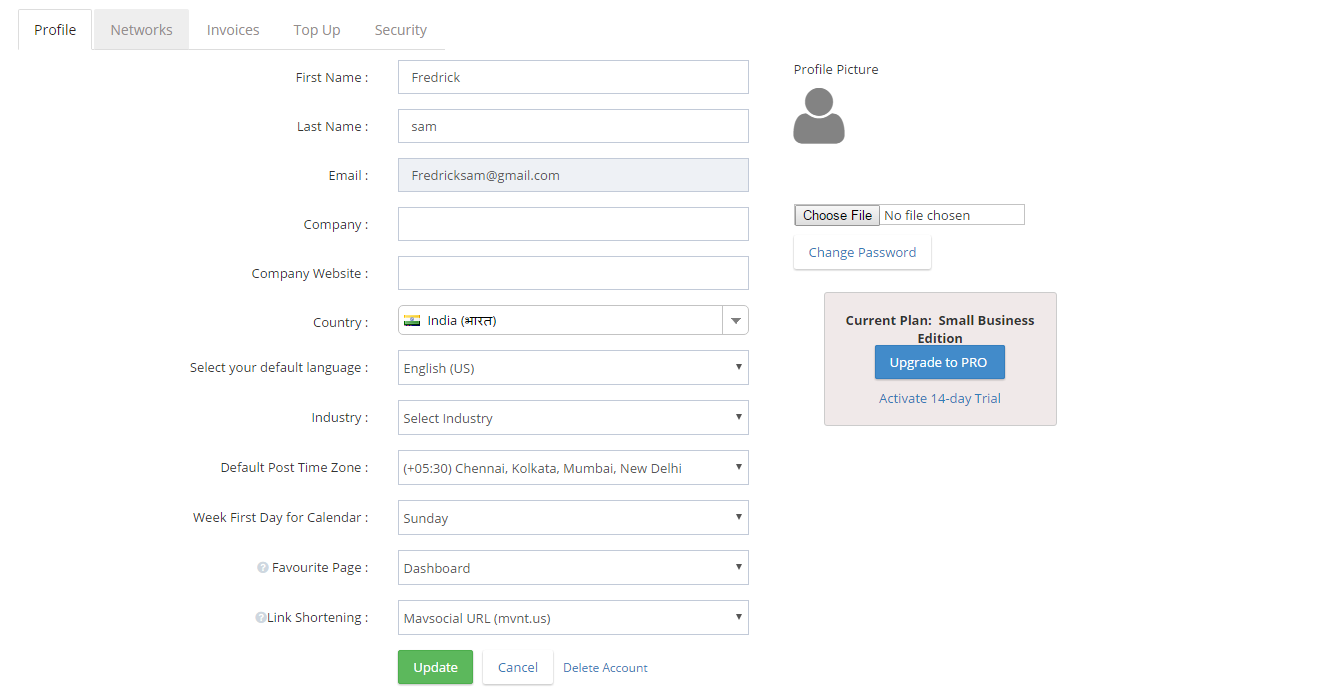
- Click the “Change Password” button.
The Change Password dialog box will be displayed.
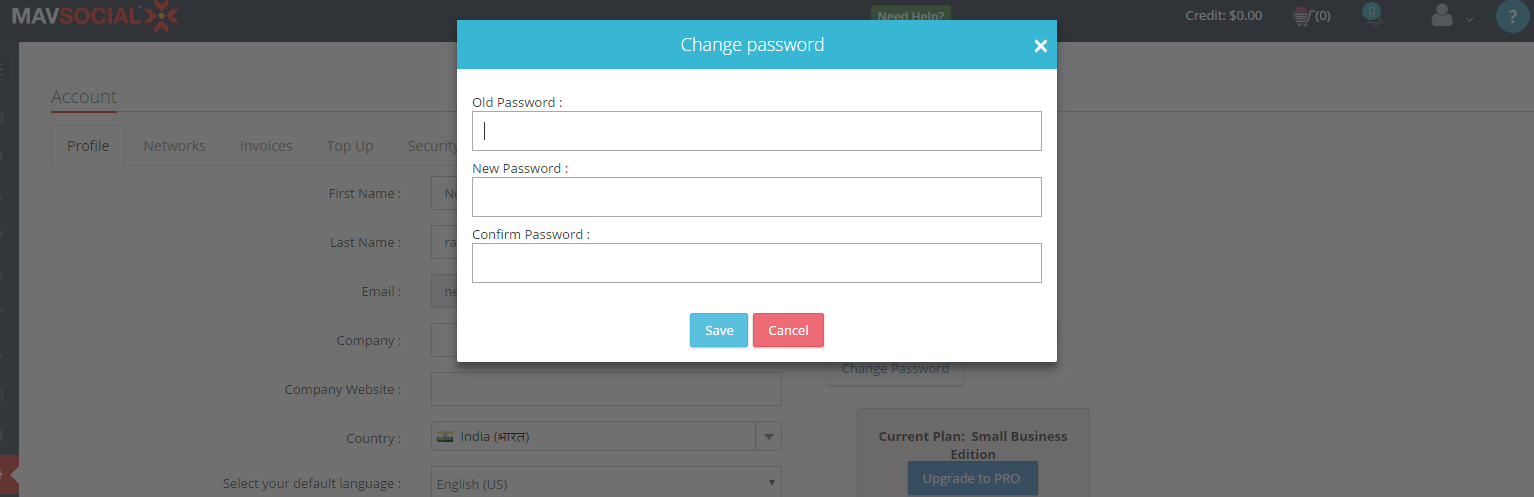
- Click the Change Password button.
The Change Password dialog box will be displayed
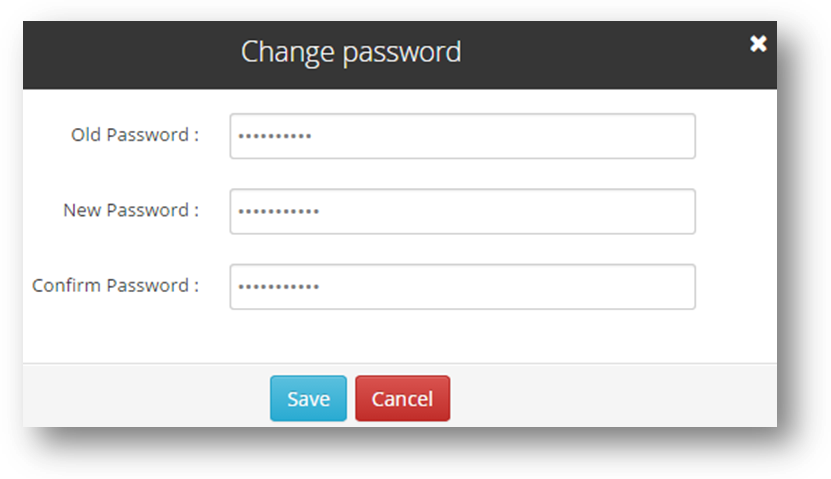
- Enter the old password of your account in the Old Password text entry box.
- Enter the new password for your account in the New Password text entry box.
- Re-enter the new password for confirmation in the Confirm Password text entry box.
- Click the Save button.
The message box informing you about the successful change of the password will be displayed.
Comments
0 comments
Please sign in to leave a comment.