
This allows you to see the limits of social profiles, competitor analysis, social listening, and users.
This enhancement is for Enterprise, Business, Pro, and Advanced users.
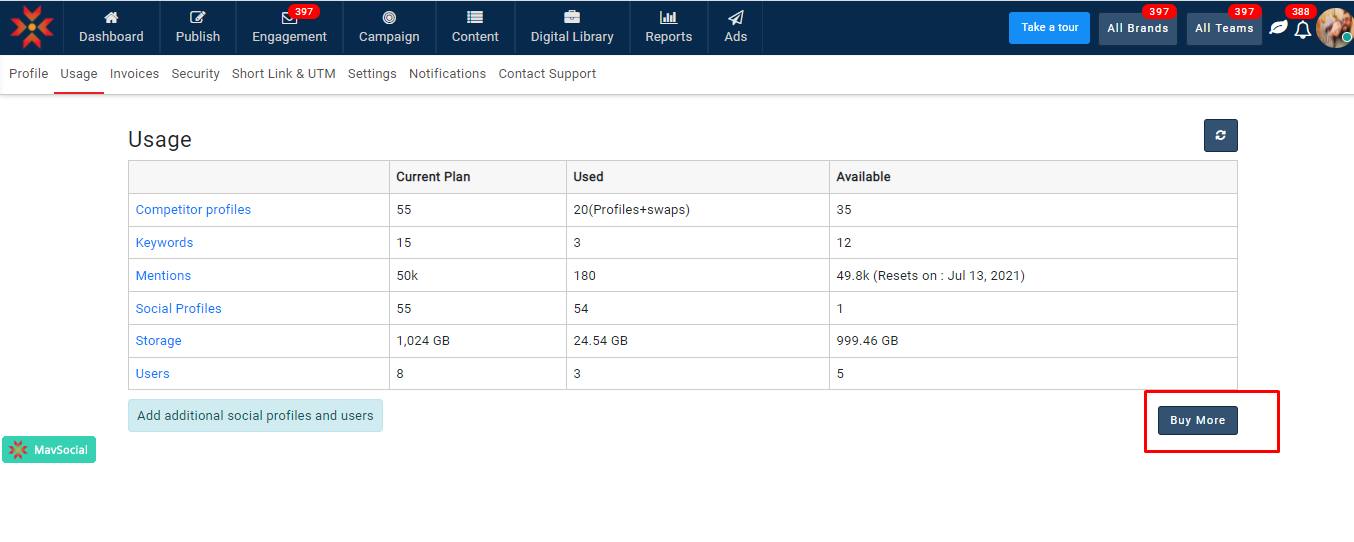
- Navigate to Accounts-> Usage
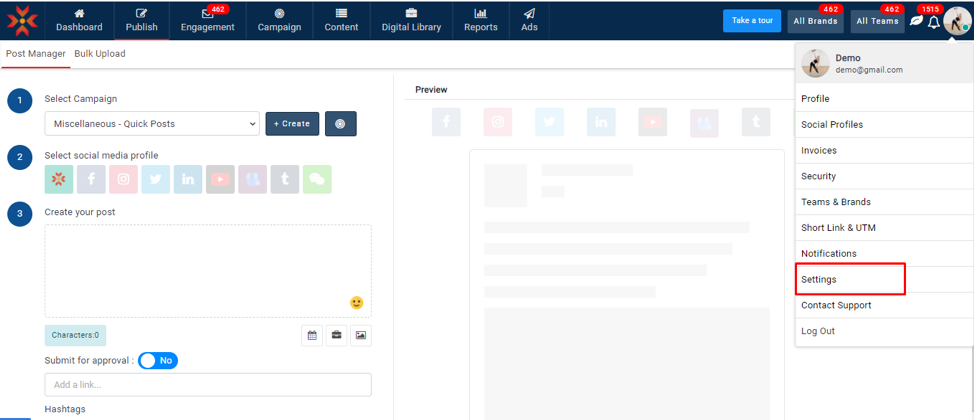
- You can see the options such as current plan, used, and available
Current Plan: Number of profiles or users in your plan
Used: Number of profiles or users used.
Available: Number of profiles or users are available.
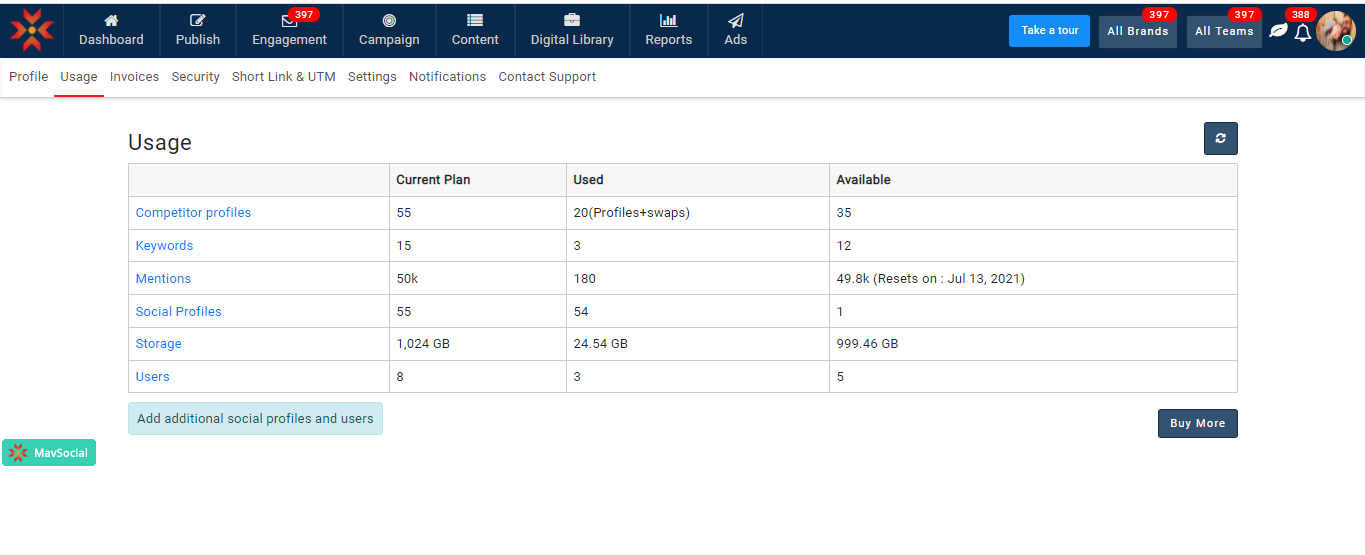
- Check the updated counts by clicking on the refresh icon on the top right corner.
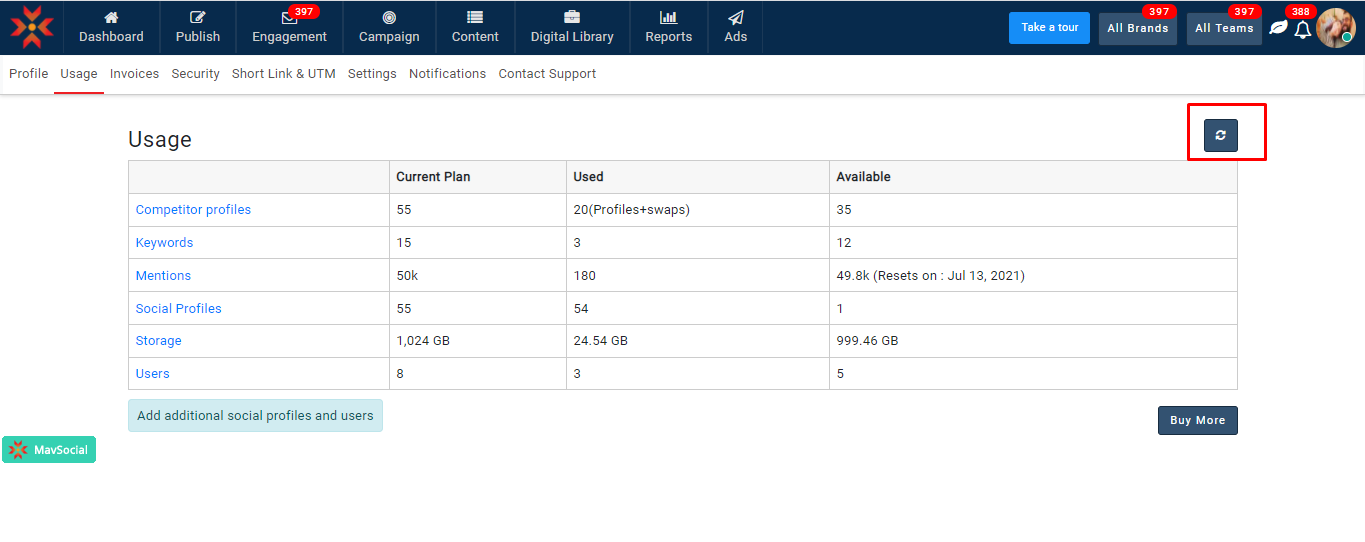
- You can navigate to the given module by clicking on them.
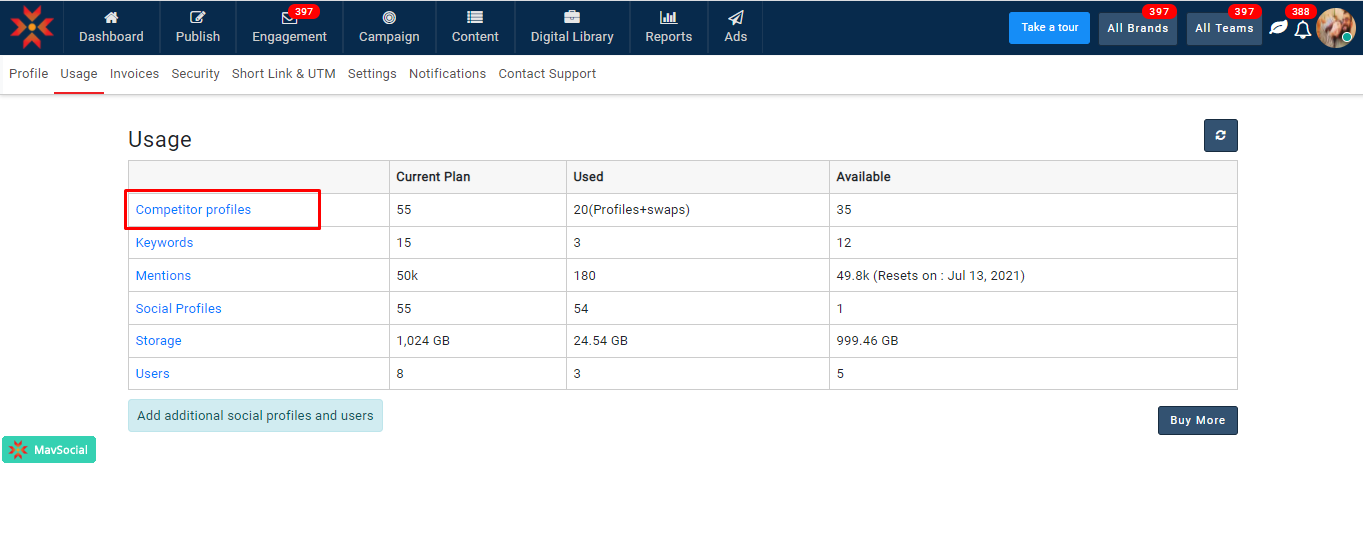
- You can buy social profiles or users by clicking on the buy more button.
- You will be navigated to the payment page after clicking on the buy more button
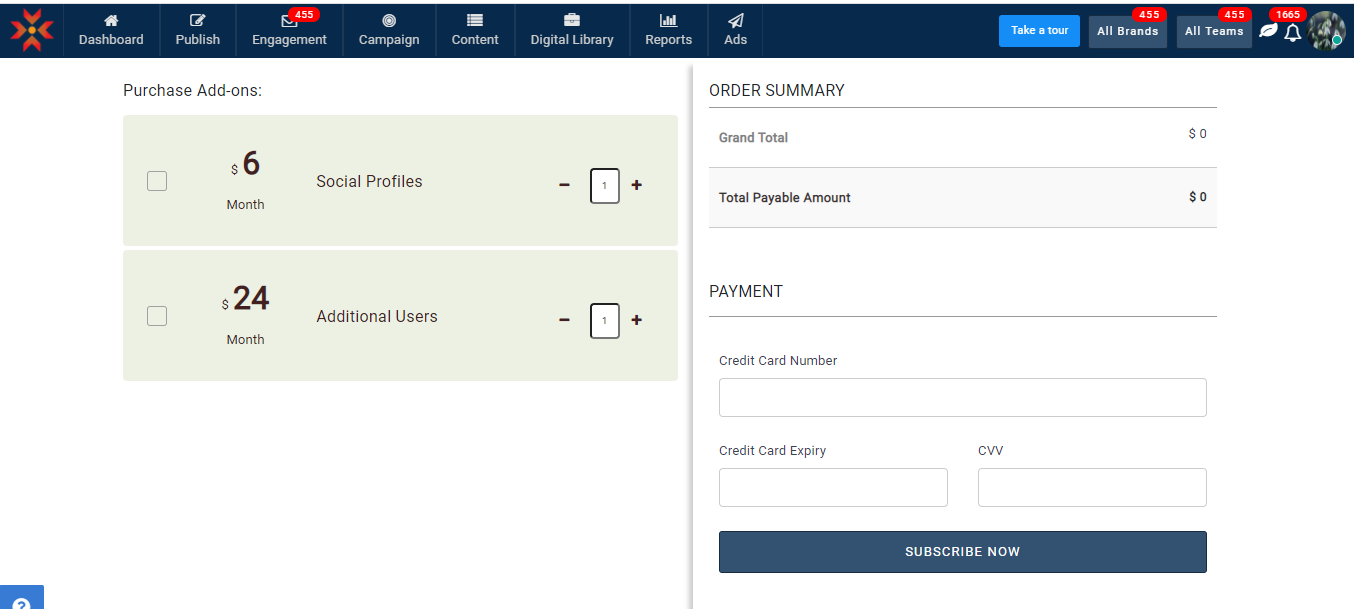
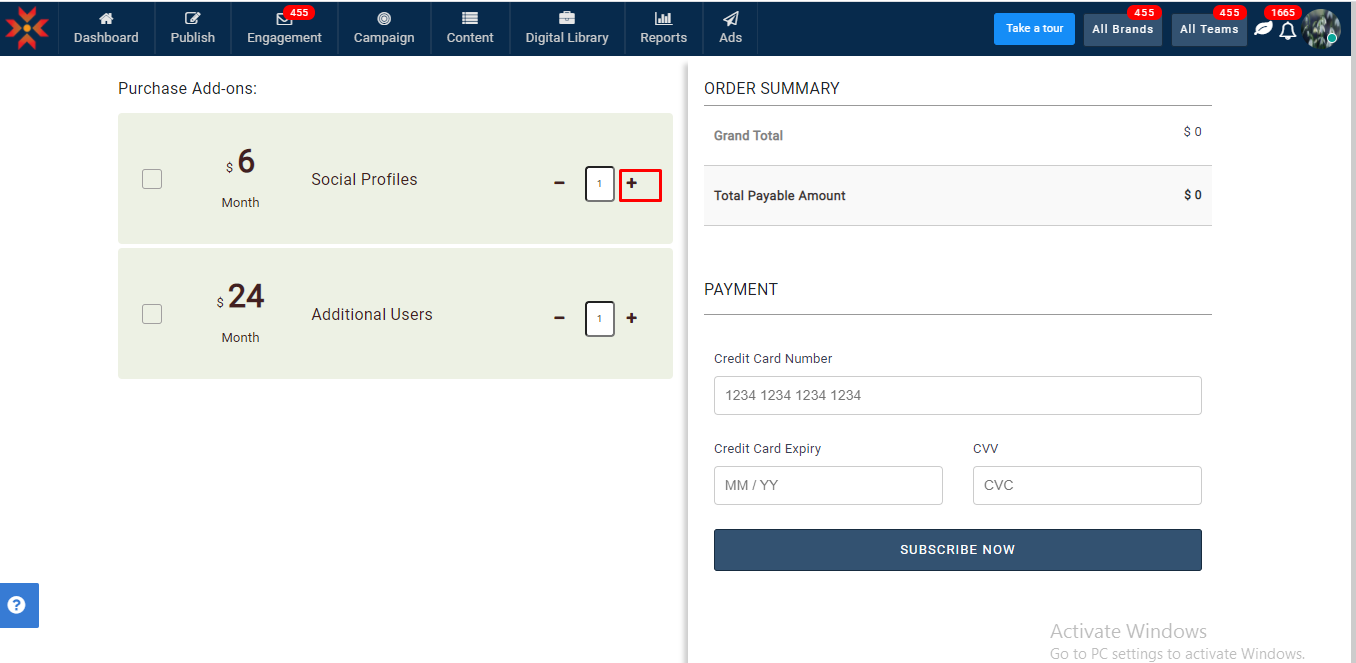
7. Click on the plus(+) icon to add additional users and social profiles and make the payment
Note:
- Buying additional users is only available for Enterprise, Business, and Pro subscriptions.
- Buying additional social profiles is only available for Enterprise and Business subscriptions.
Comments
0 comments
Please sign in to leave a comment.