
Available for Enterprise, Business, PRO, and Advanced subscriptions.
Invoices are generated for upgrading an account
To view your invoices, follow the steps given below.
- Navigate to your Account, and then Invoices.
- The Invoices page will be displayed with your transaction history.
- To download the invoice, click the pdf link to the right and it will open in a new tab in the browser.
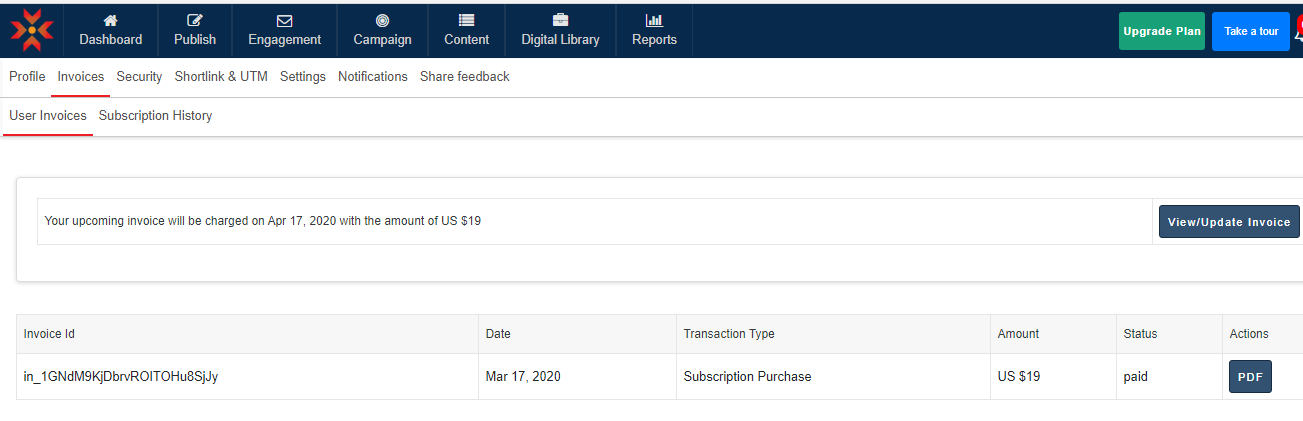
- Click on the Download as pdf button, The selected invoice will be downloaded to your computer.
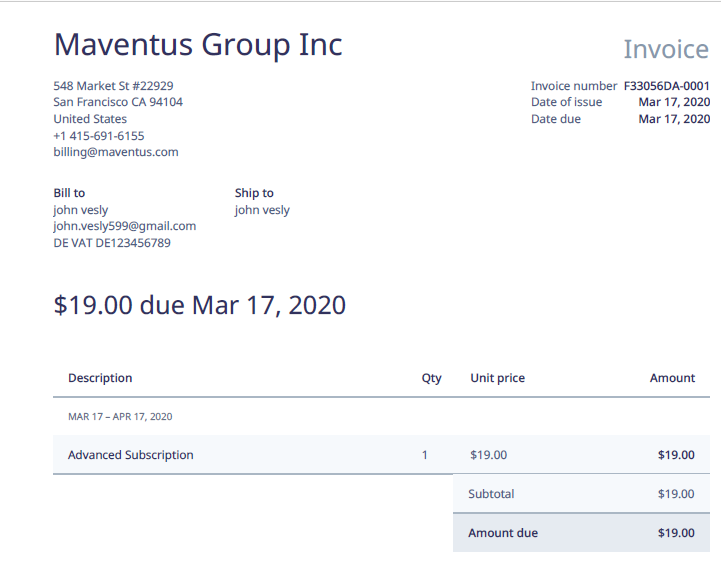
- You can see your invoice address and tax number in this invoice which you have saved in the profile section.
Comments
0 comments
Please sign in to leave a comment.