
“UTM” stands for “Urchin Tracking Module.” UTM Parameter is a tag that you add to the end of the URL that allow you to track each specific instance of a link. When your link has been clicked on, the tags are sent back to Google Analytics and tracked.
Step 1: Integrate Google Analytics into your website
- Create a free Google Analytics Account using your website’s URL(s)
Step 2: Setting up links and enabling UTM tracking
- For PRO users, go to Short link & UTM page under the account section
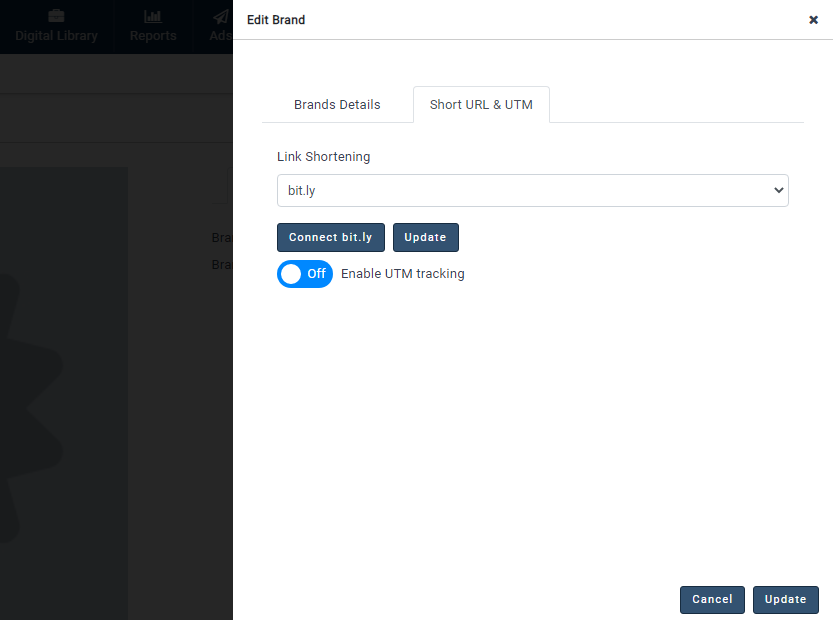
- For Enterprise users, go to Short link & UTM in Teams & Brands selecting the brand you are managing
Advanced & PRO Users
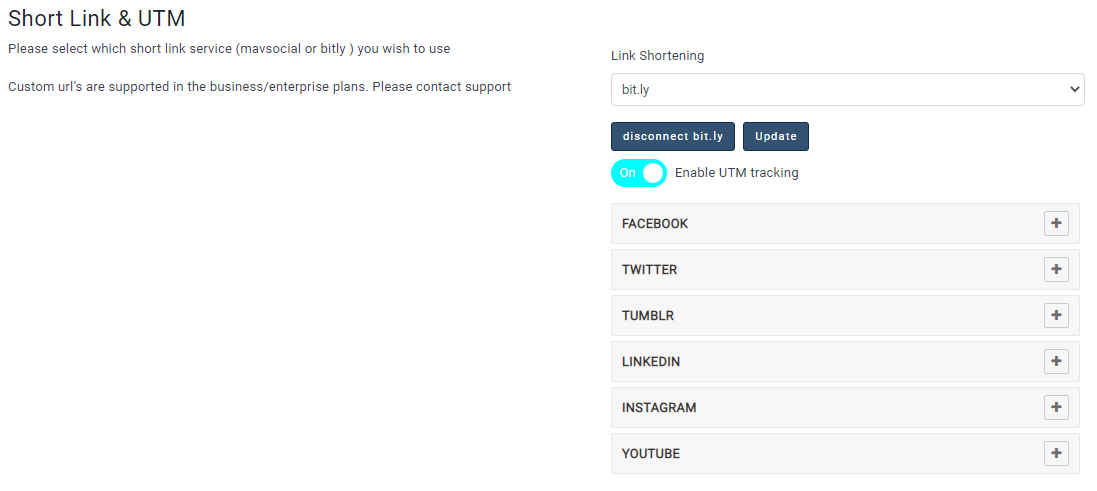
- Click to select a URL shortener
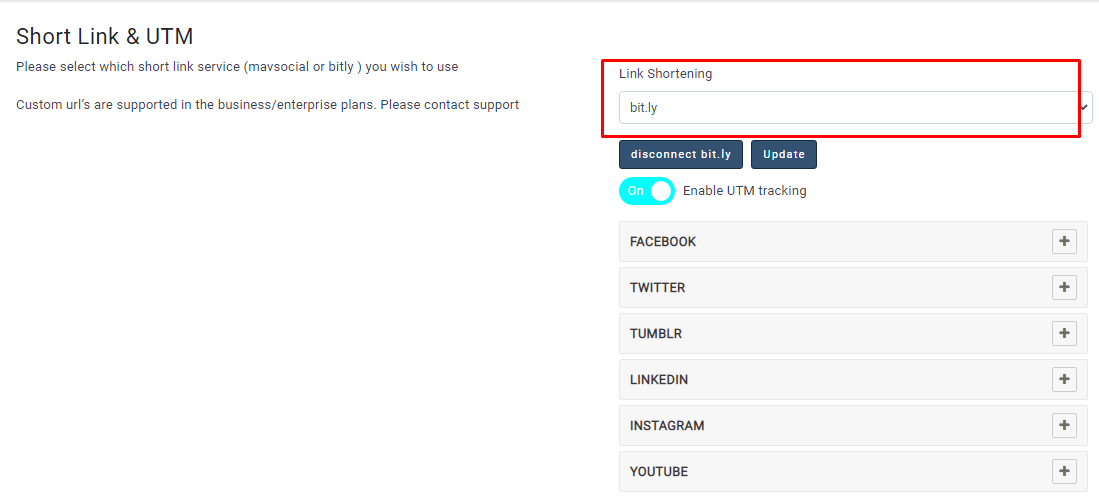
Business & Enterprise Users:
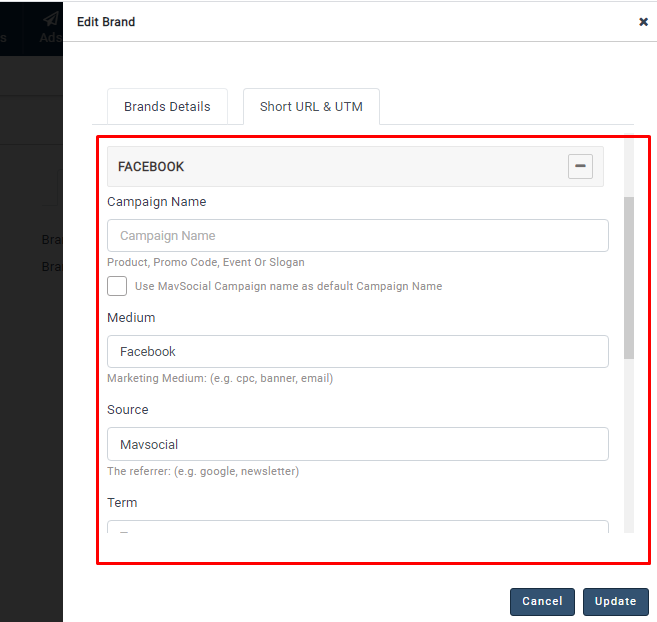
- Click to select Network to type the parameters and click on Update
For Enterprise user, based on permission level, team members can access Short link & UTM
Keep in mind that you should always be using campaign medium, campaign name, and campaign source for tracking.
|
Campaign Name
utm_campaign |
Used for keyword analysis. Use utm_campaign to identify a specific product promotion or strategic campaign.
Example: utm_campaign=spring_sale
|
|
Campaign Medium utm_medium |
Use utm_medium to identify a medium such as email or cost-per- click. Example: cpc |
|
Campaign Source utm_source |
Use utm_source to identify a search engine, newsletter name, or other source. Example: google |
|
Term utm_term |
Type a descriptive term for your target audience.: (e.g. car+owners) |
|
Content utm_content |
Type the name of the individual ad.: (e.g. logolink or utm_content=textlink) |
Note: Campaign Name can be replaced with MavSocial Campaign if you select the Use MavSocial campaign by default checkbox after Publishing / Saving / Scheduling done. Once a post is created, UTM Parameters can’t be changed.
3. Use URL Parameters in your social media posts
1. Create your post by selecting a social network and entering your post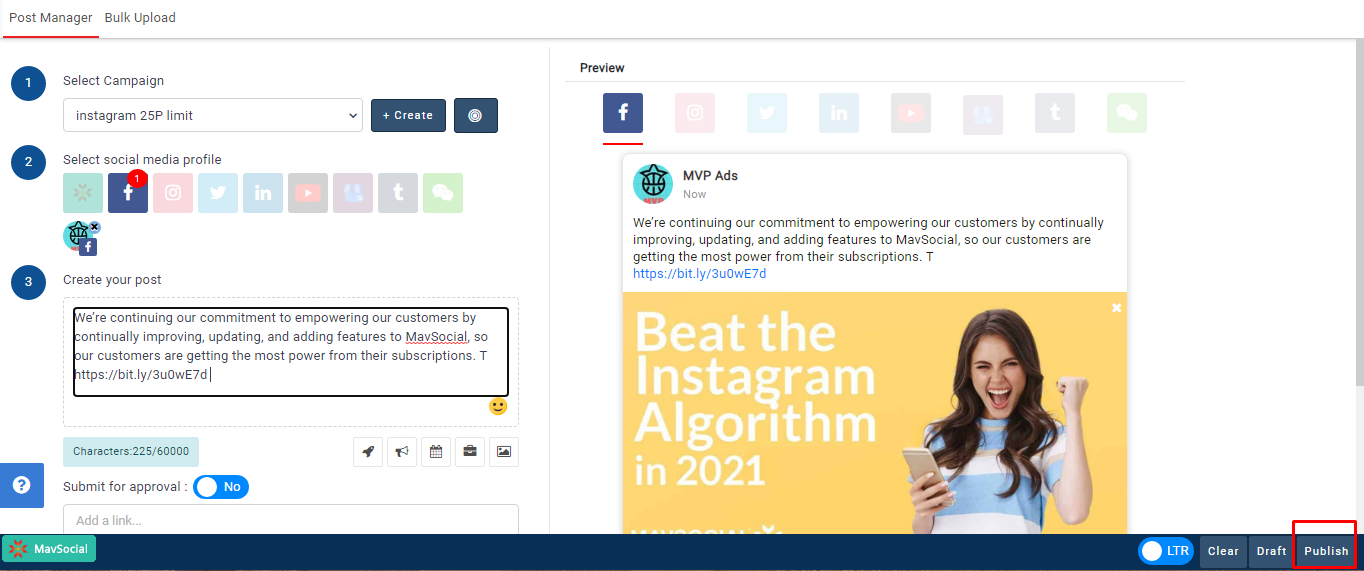
- Click Add a link and publish post
- You would then be able to track your custom URL Parameters in Google Analytics
Comments
0 comments
Please sign in to leave a comment.