
This feature is available for Enterprise, Business, PRO, Advanced, and Free users.
Click on the notifications icon to see below mentioned notifications
- Posts that are submitted, approved or declined
- When Payments get failed
- When Reviews are assigned, reassigned, resolved from Reviews
- Token expiry for Networks
- When comments or direct messages are assigned, reassigned, or resolved in the Social Inbox
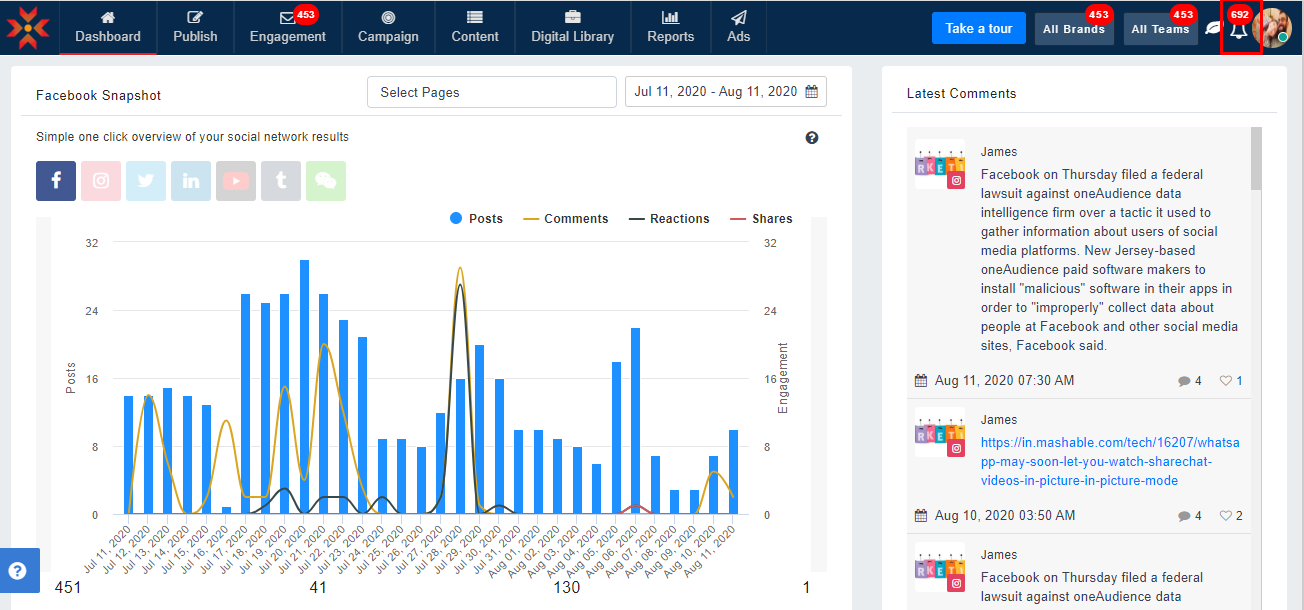
You can navigate directly to the respective section of MavSocial after clicking the More button. 
Selected notifications can be hidden by clicking the close icon.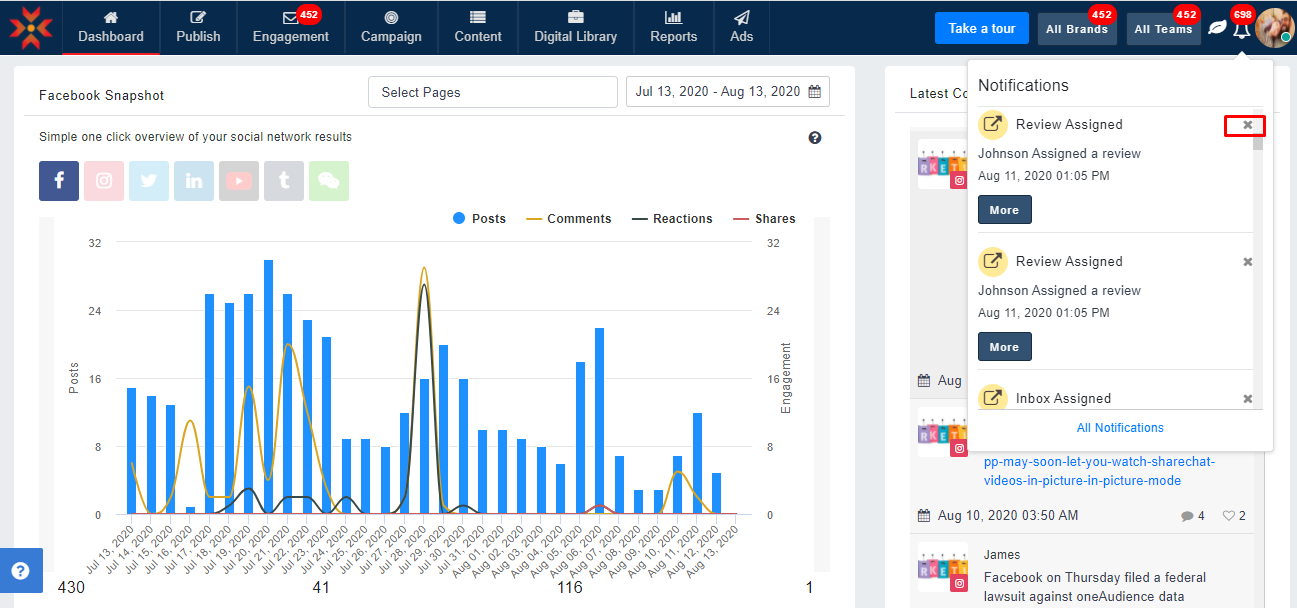
Click on All Notifications from the notifications on the top menu bar to access the notifications page or go to the Account section and click on the Notifications tab to see all notifications.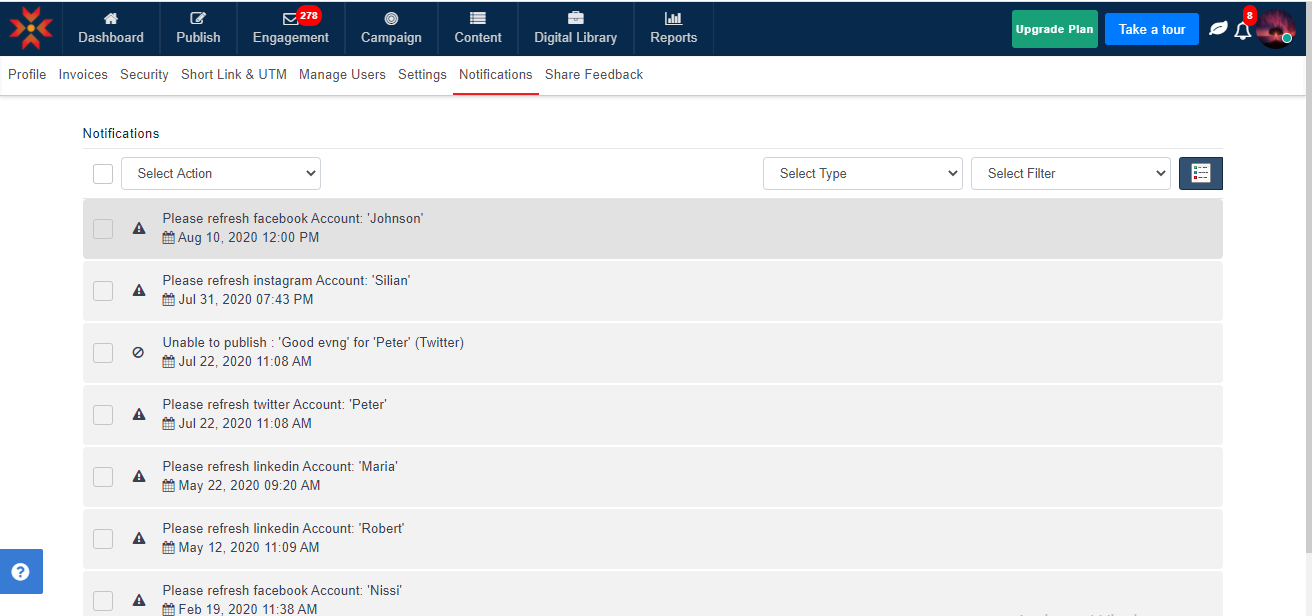
You can view all notifications in notifications tab as mentioned below :
- Posts that fail to publish
- Token expiry for Networks
- Posts that are submitted, approved or declined
- When Comments or Direct Messages are assigned, reassigned, resolved from Social Inbox
- Post is scheduled by a Contributor
- When Reviews are assigned, reassigned, resolved from Reviews
- When Payments get failed
Comments
0 comments
Please sign in to leave a comment.