
Activity log is accessible for PRO and Enterprise users
The Activity Log section shows the list of activities of users.
To manage activity log for Enterprise users, please follow the below steps:
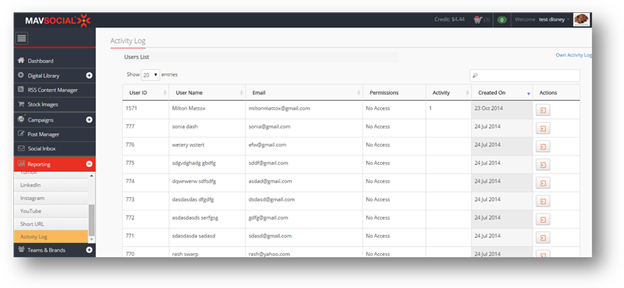
By default, the details of all users with the respective number of activities will be displayed.
- To view your own log of activities, click Own Activity Log.
The list of all of your activities will be displayed.
- To view the activities of an individual user, click Show User Logs ( ) in the row of that user.
The list of all of the selected user’s activities will be displayed.
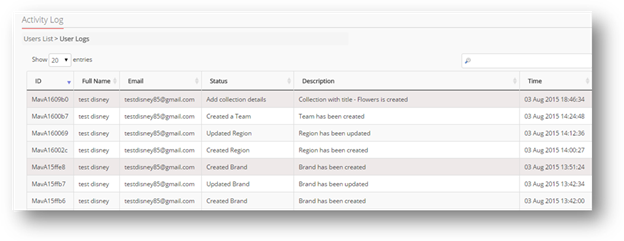
To manage activity log for PRO user, please follow the below steps:
- From left menu select "User Audit" from Manage Users section.
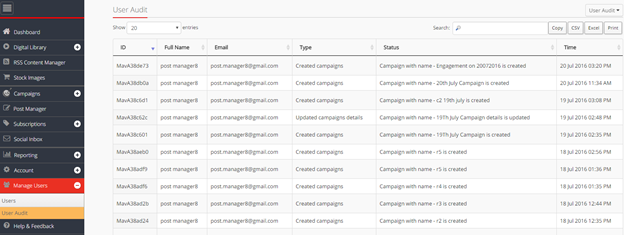
- Here you can view all the activities
- You can also export .csv and .xls files by clicking on CSV and Excel , you can copy 20 rows by clicking on Copy and you can Print activity logs by clicking on

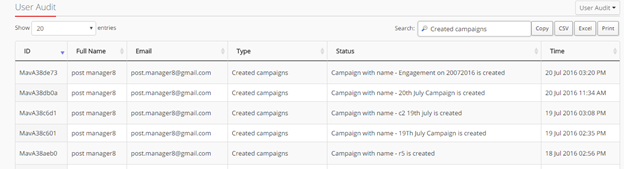
- You can search by ID, Full Name, Email, Type, Status from Search bar.
Comments
0 comments
Please sign in to leave a comment.