
This separate role allows users to check the posts in the calendar, approve posts, and add/refresh/delete social profiles
This functionality is available to Business and Enterprise users.
How to Create a Client user?
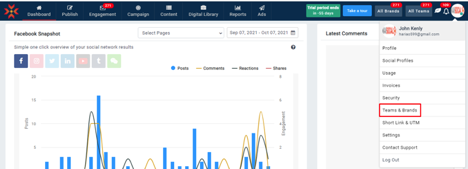
- Click your user profile icon in the top right corner of MavSocial and click Teams and Brands from the drop-down menu.
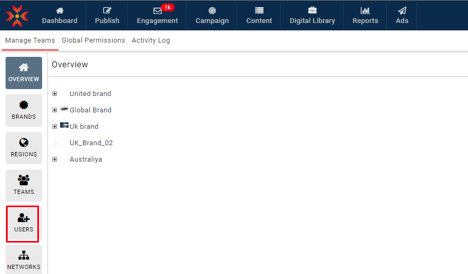
- Navigate to the Users
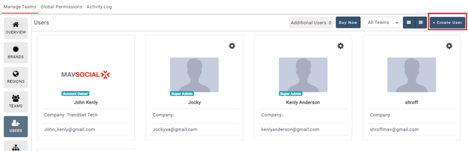
- Click Create User.
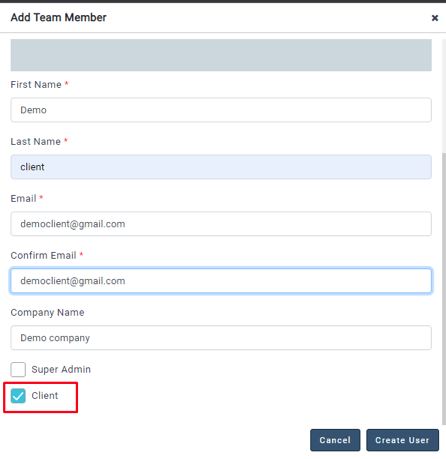
- Fill in the user information and check the Client checkbox as shown below.
- The new user will be created as a Client User
- The newly created Client user will be able to use the calendar, approvals, and social profiles
- After the user is assigned, the user will have a client role in an assigned team
Comments
0 comments
Please sign in to leave a comment.