
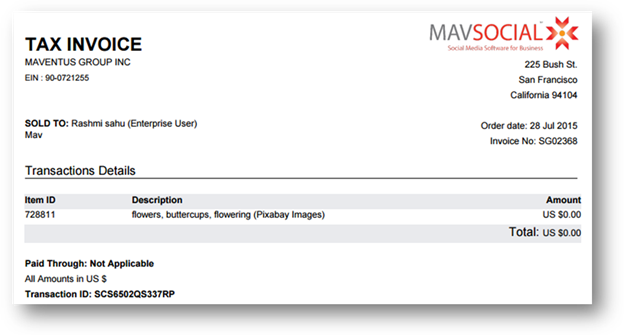
Invoices are generated for all purchased images, Top Up amounts, and upgrading an account.
To view your invoices, follow the steps given below.
- Navigate to Account > Invoices:
The Invoices page will be displayed with your transaction history
- You can search the invoice by selecting the date range or by searching with Transaction ID, or keywords from Transaction Type.
- To download the invoice, click Invoice link to the right and it will open in a new tab in the browser.
The selected invoice will be downloaded to your computer.
- To send an invoice in the mail, click the Email link in the row of that invoice.
Send Email dialog will be displayed.
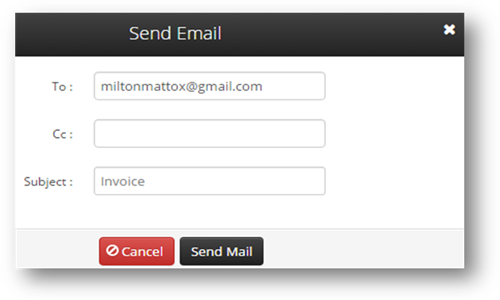
- Enter the recipient's email address
- Click Send Mail.
The invoice will be mailed to the selected recipients.
Comments
0 comments
Please sign in to leave a comment.