
This feature is available to Enterprise and Business users
This feature allows you to analyze the metrics for the social networks Facebook, Instagram and Twitter
How to use this feature?
- Navigate to Reports.
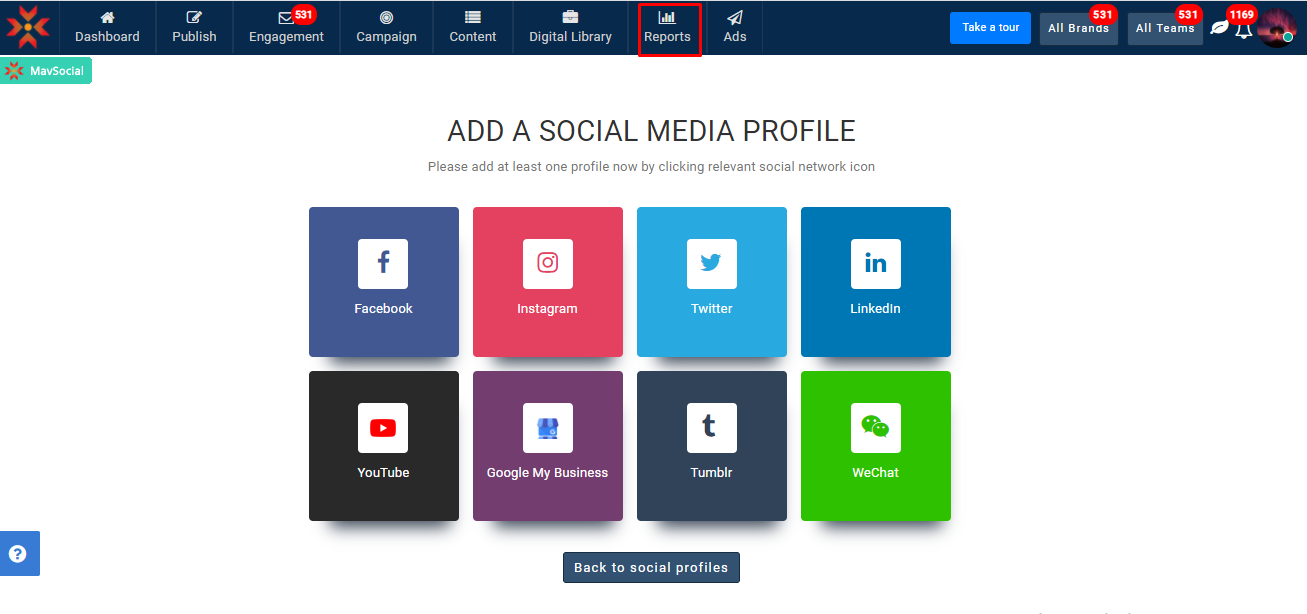
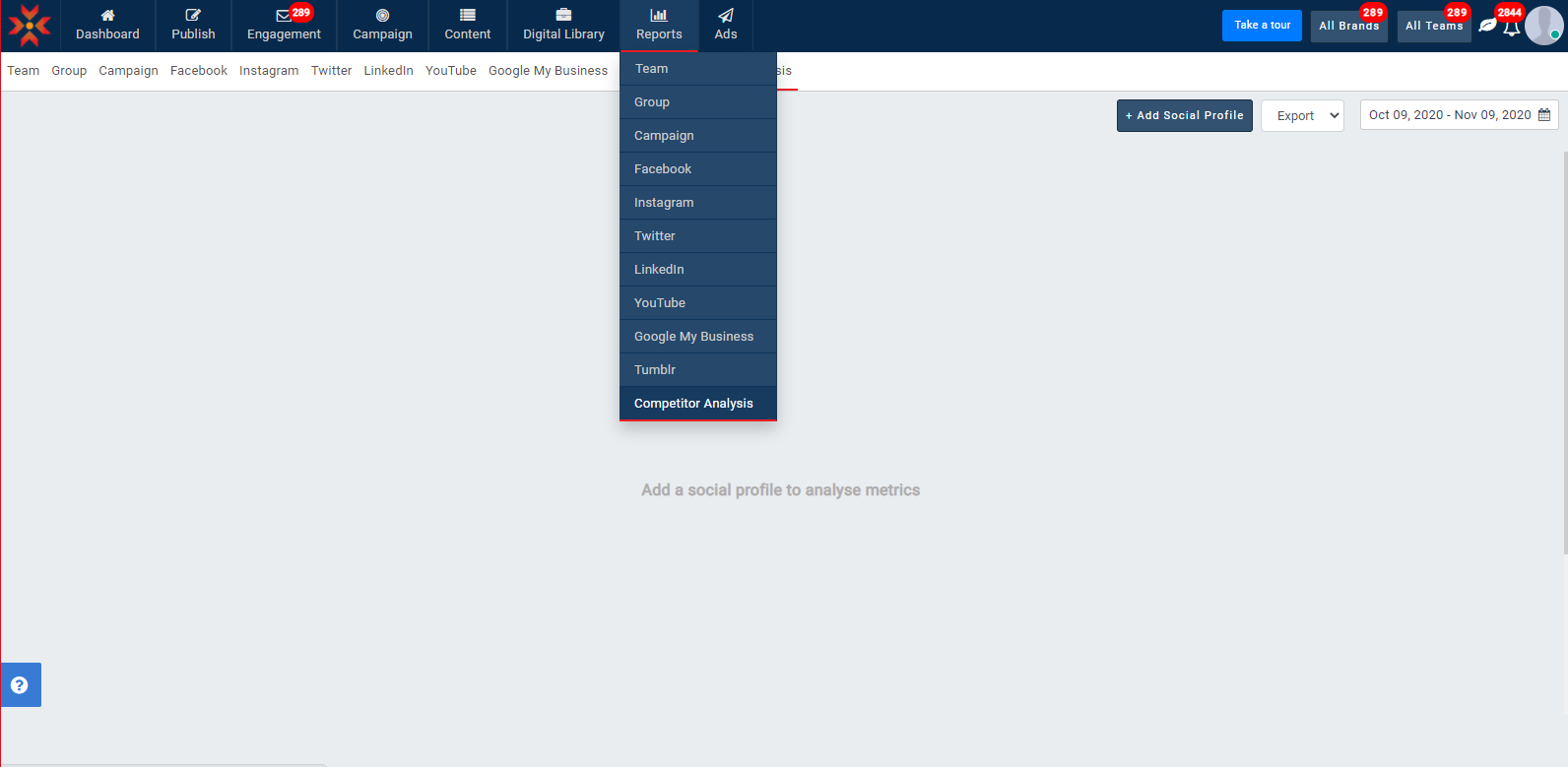
- Select Competitor Analysis report.
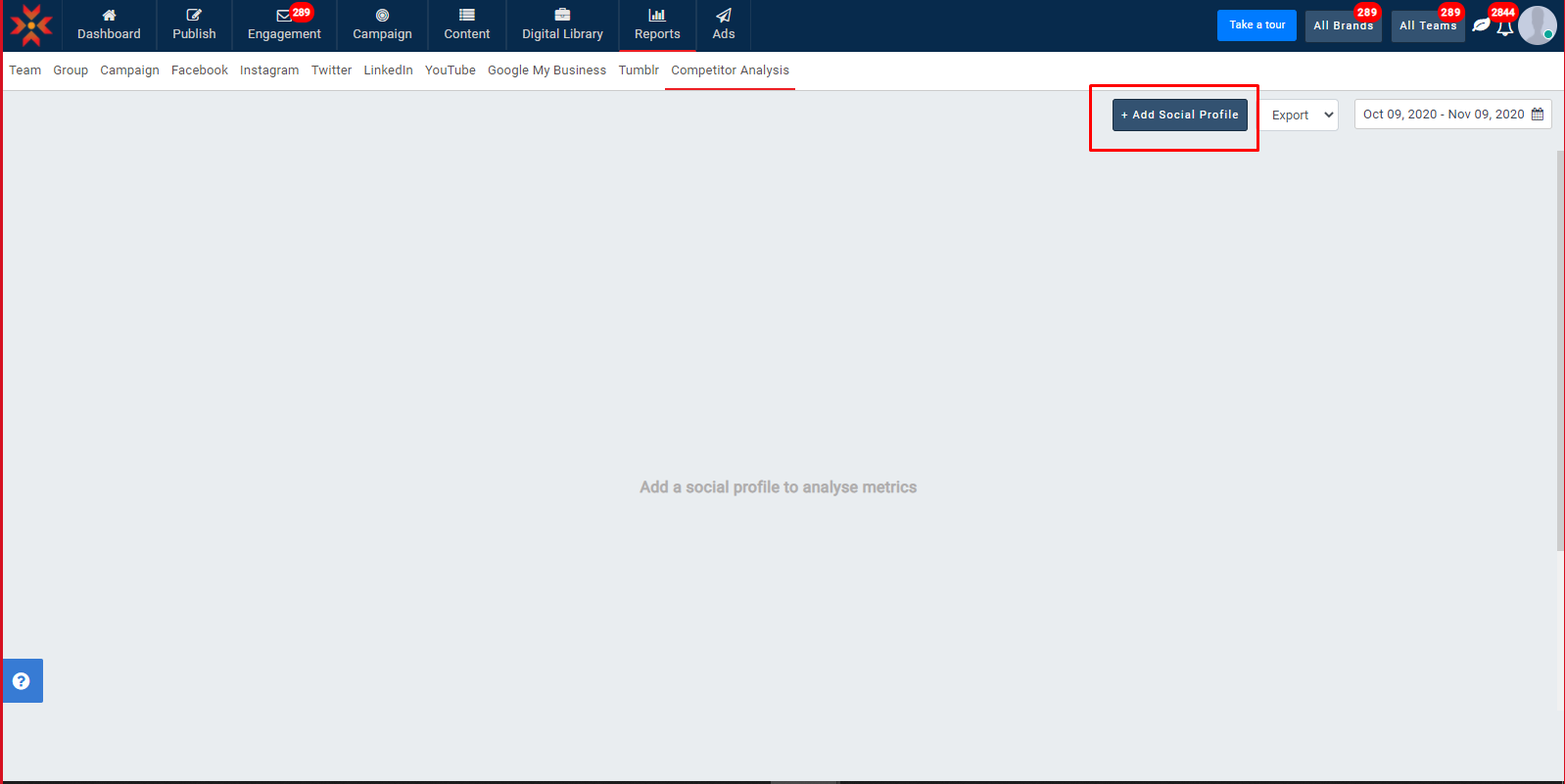
- Click on the Add Social Profile button to start adding a profile and get respective profile metric data.
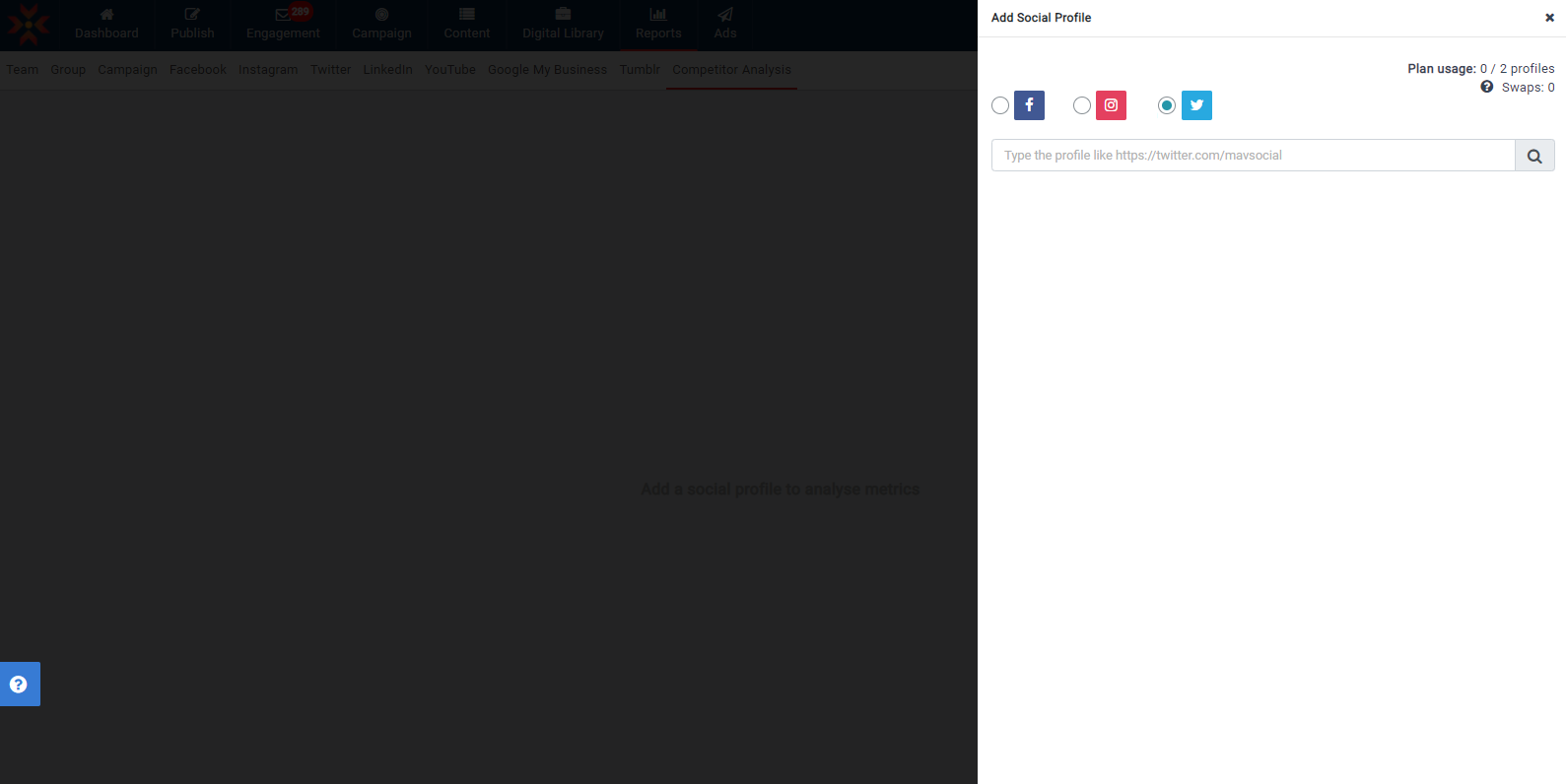
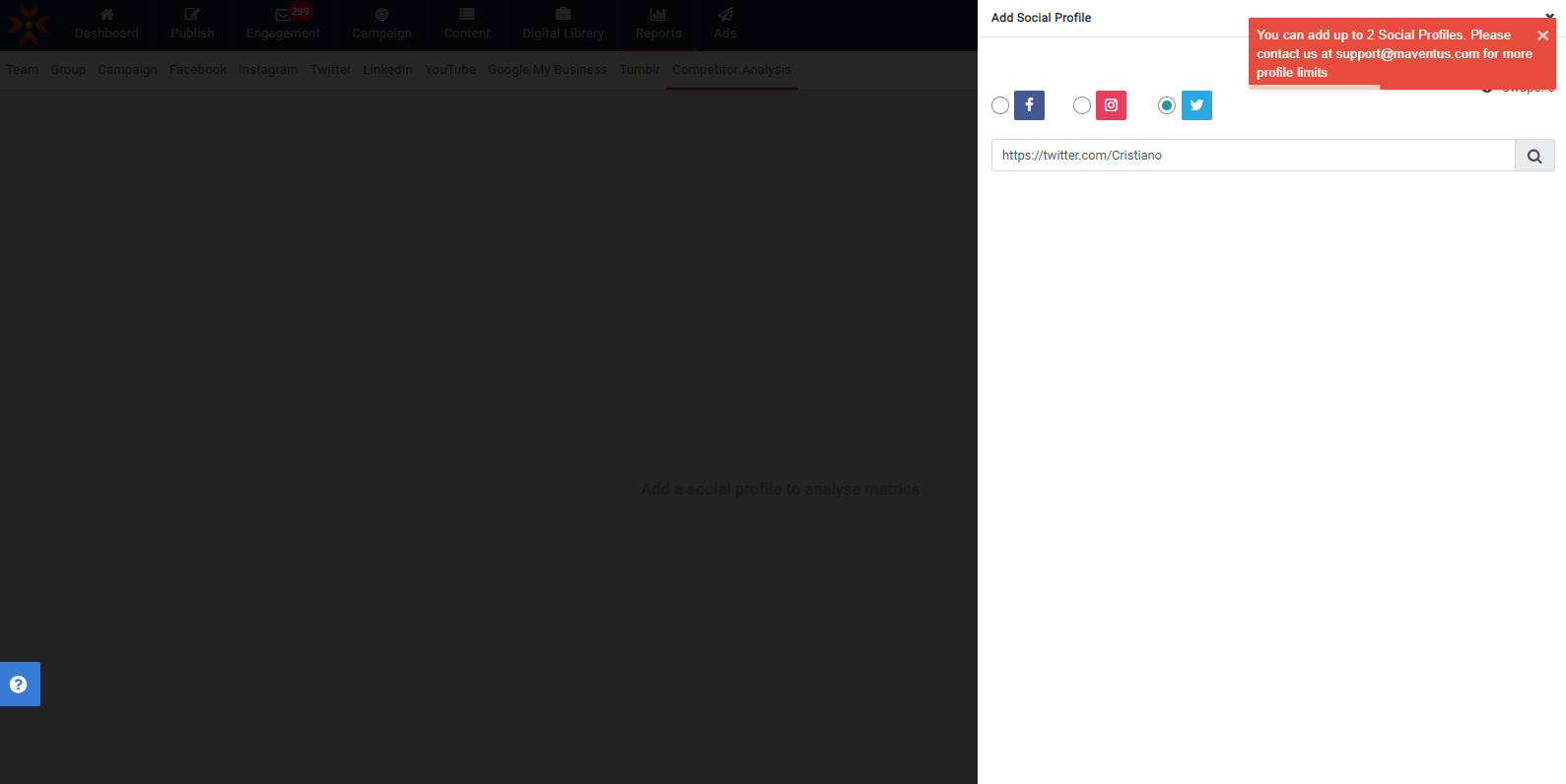
- Enter the profile URL link in the input box provided by selecting the required social network.
Key Metrics for Twitter Network:
Tweets - Number of Tweets published in the selected period
Engagement- Number of likes and retweets received for the Tweets published in the selected period
Avg engagement- The engagement of the Tweets (likes and retweets) divided by the number of tweets published in the selected period
Avg eng rate/Tweet- The average engagement of the Tweets divided by the number of followers the profile has, all multiplied by 100.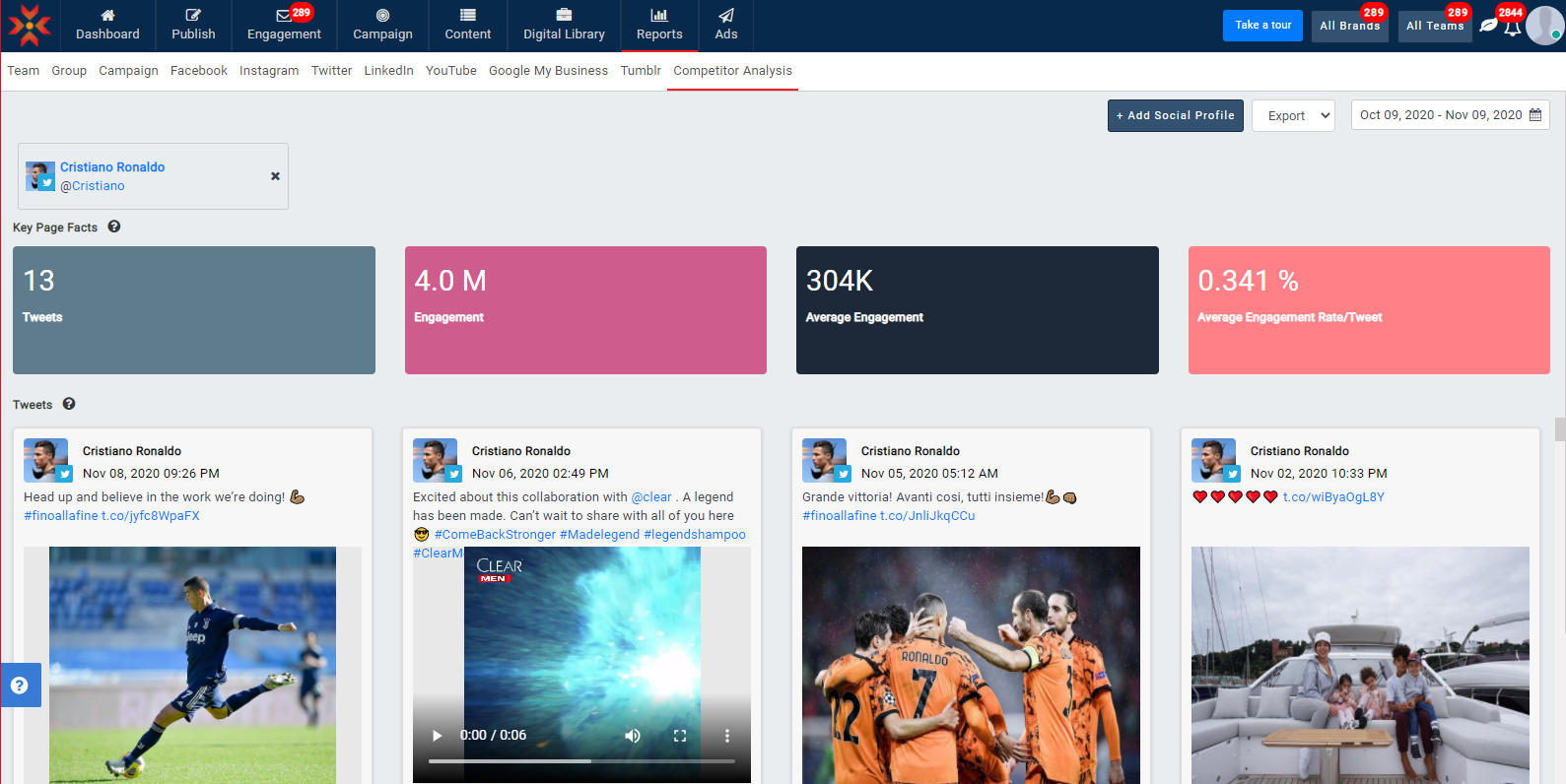
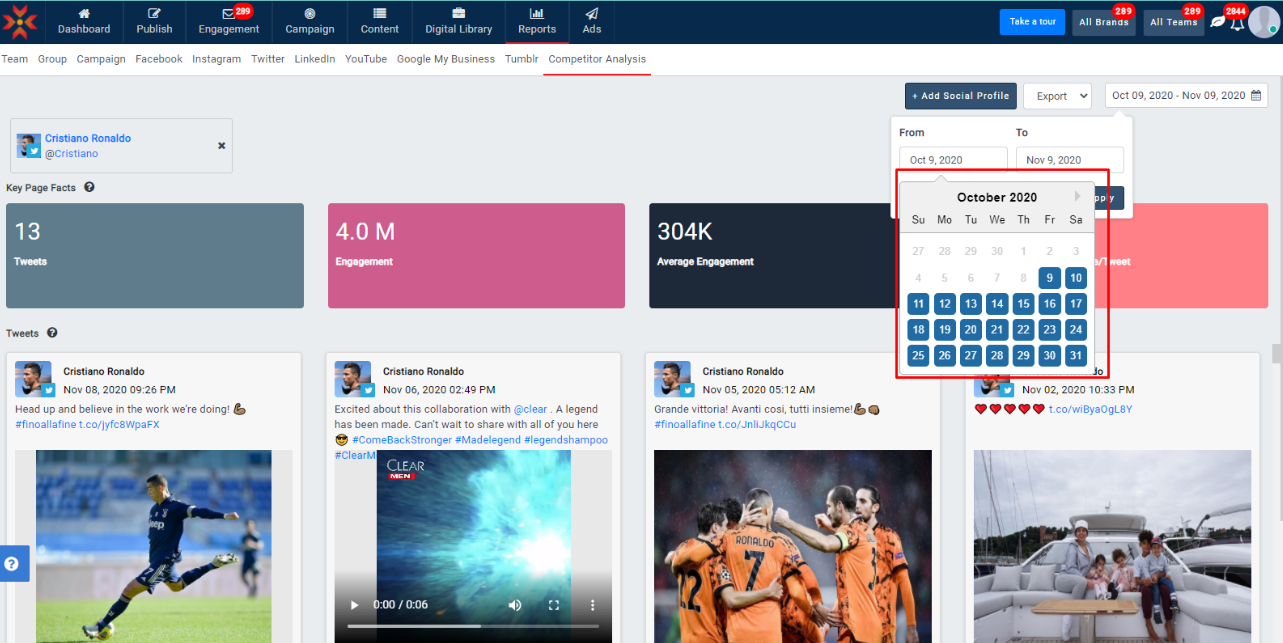
- You can analyze last month's data by selecting the respective date ranges.
- You can add up to 2 social profiles.
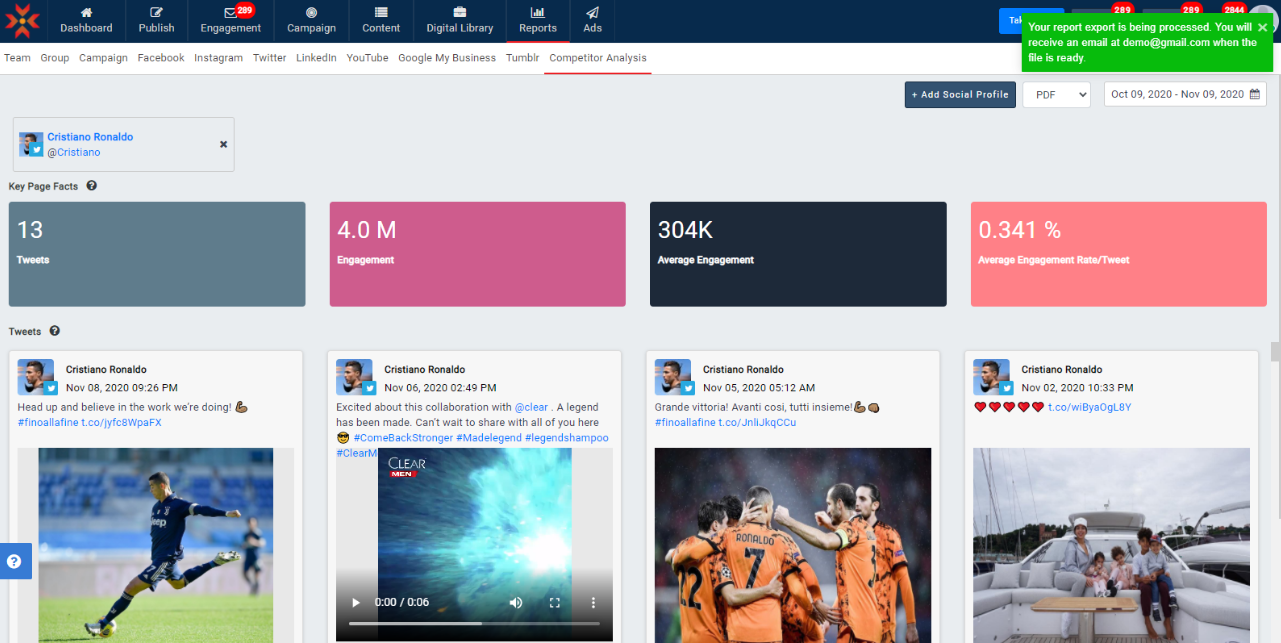
- These metrics can also be exported into Excel or PDF. When you select Export as Excel, the file will be downloaded to the local storage, and the Export to PDF option will send a PDF Report as an attachment to the respective account’s Email address.
Key page facts of Facebook :
Posts- The number of posts published in the selected period
Engagement- The sum of reactions, comments, and shares received for the posts published in the selected period
Average Engagement- The engagement of the posts (likes, comments and shares) divided by the number of posts published in the selected period
Average Engagement Rate by Post - The average engagement of the posts divided by the number of fans the page has all multiplied by 100
Key page facts of Instagram:
Posts- The number of posts published in the selected period
Engagement - The number of likes and comments received for the posts published in the selected period
Average Engagement - The engagement of the posts (likes and comments) divided by the number of posts published in the selected period
Average Engagement Rate by Post - The average engagement of the posts divided by the number of followers the profile has, all multiplied by 100
Note:
1) Every time you delete a profile, it counts as a swap. A swap is reset after 30 days. This same process is implemented for Facebook and Instagram also.
2) Per user you can add only 2 social profiles including team members
3) Following type of URLs cannot be allowed in this report
- Website URLS
- Text with spaces
- Non business or non creator instagram profiles
- Social profiles of individual users
Comments
0 comments
Please sign in to leave a comment.