
This feature allows you to create a custom audience from MavSocial.
This feature is available to Enterprise users.
- Navigate to Twitter ads
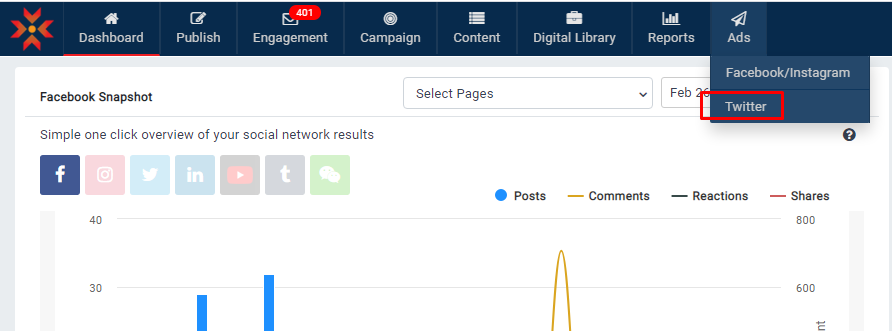
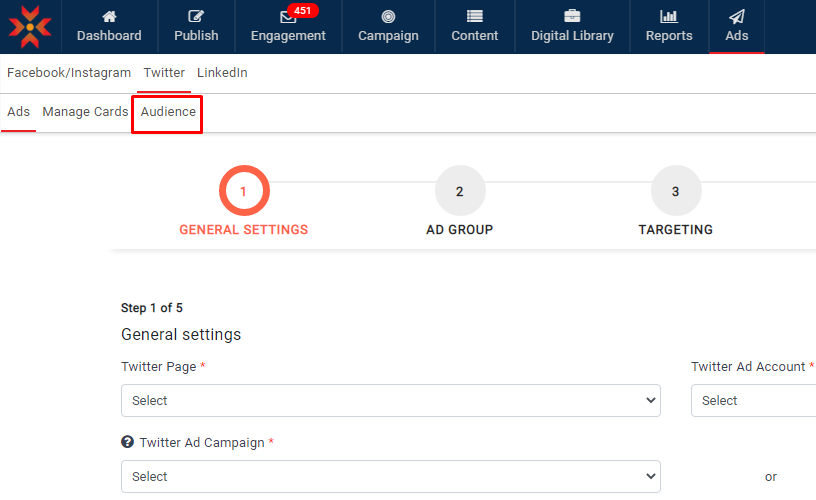
- Click on Audience
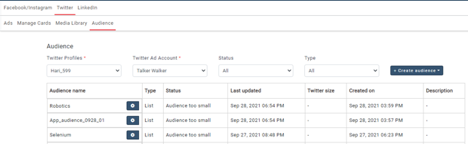
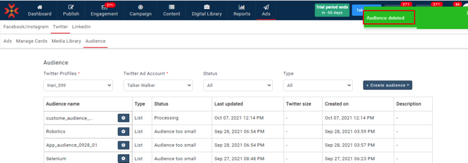
- The existing audience table will be shown in the Audience tab
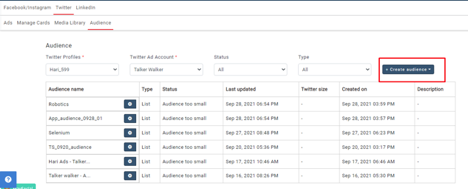
- Click on the +Create Audience button to create a new audience
- Select the List option
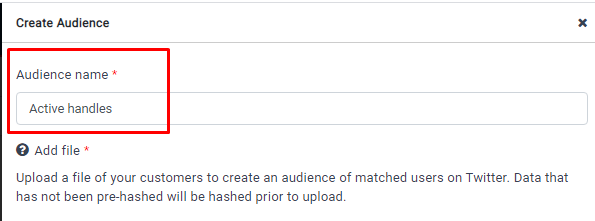
- Give the Audience name
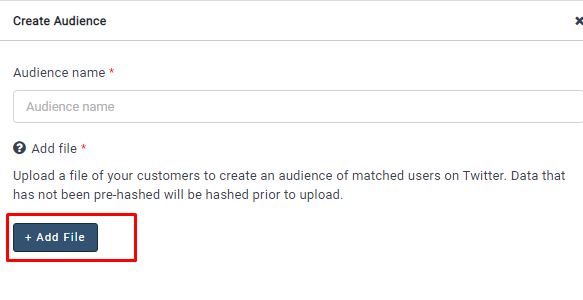
- Click on +Add File to upload a file
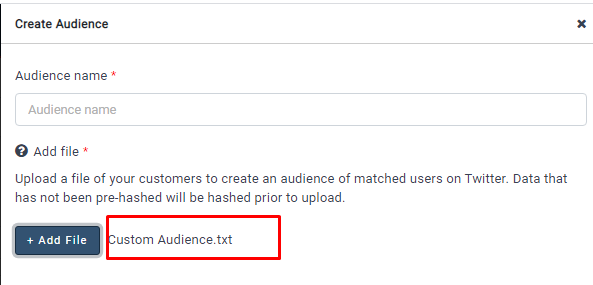
- The uploaded file will be added
- Click on the Create button after uploading a file
- An audience will be created
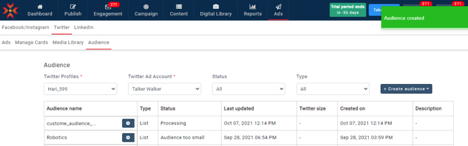
- If you want to edit the audience, click on the settings icon beside the audience name
- Click on the edit option
- Update the changes and click on the update button
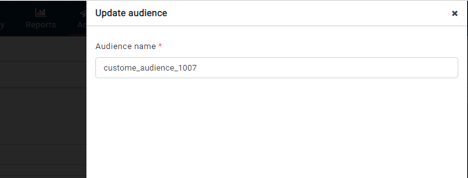
- Changes will be updated after clicking on the update button
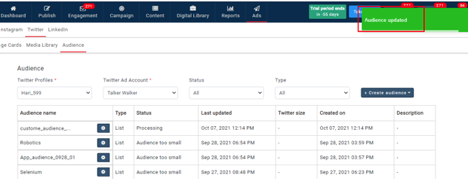
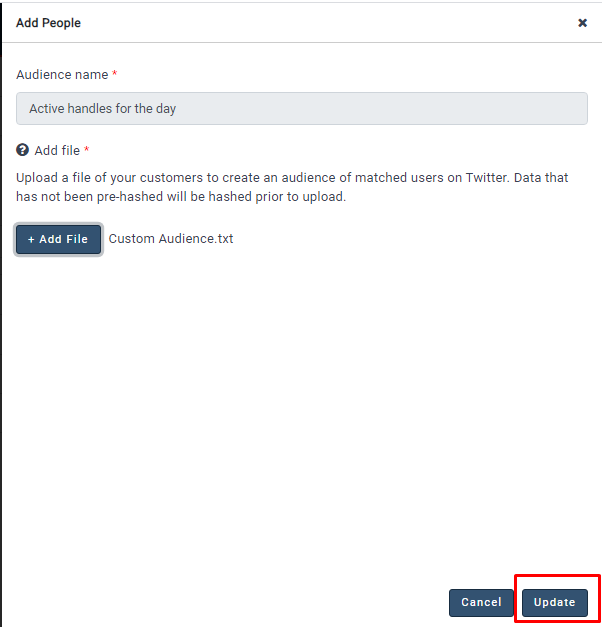
- If you want to add more people to the custom audience, click on the settings icon beside the audience name
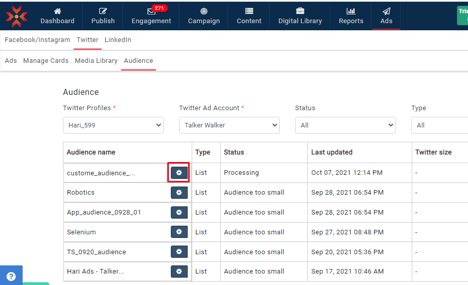
- Click on Add people
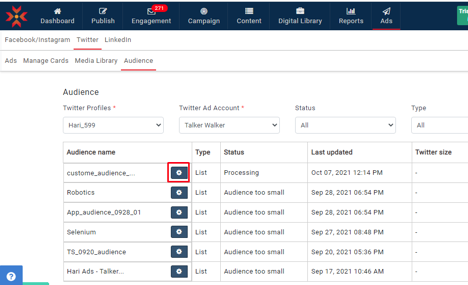
- Upload the file with new people and click on the update button
- New people will be added to the existing audience
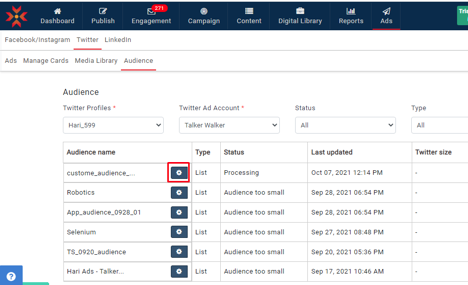
- If you want to delete the audience, please click on the settings icon beside the audience name
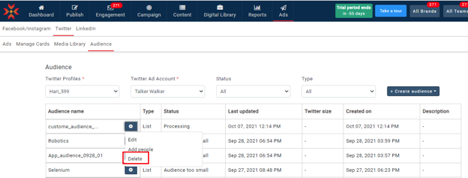
- Click on the delete option; you will get a confirmation message
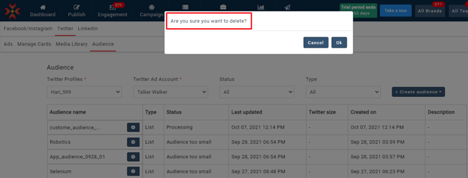
- The audience will be deleted after clicking on the ok button in the confirmation message.
Comments
0 comments
Please sign in to leave a comment.