
You can start a private conversation for your Facebook post comments & replies to engage with your audience privately.
Private Messages functionality is available for Advanced, PRO, Business and Enterprise users.
To start a private conversation,
1) Navigate to Social Inbox
2) Click on Facebook tab
3) Check for comments on your Facebook page post
4) Click on ‘Message’ button
5) A pop up will appear,
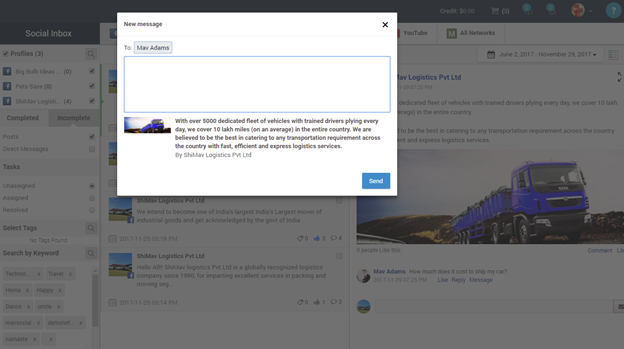
6) Write the message and Click on 'Send' button.
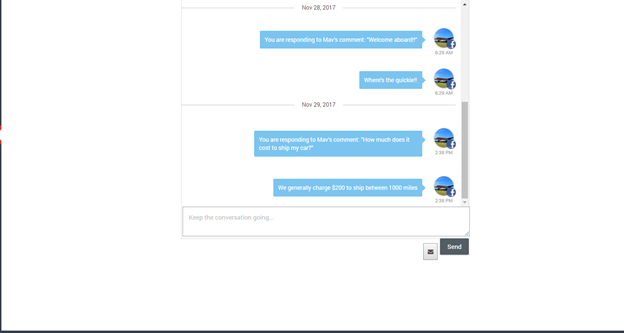
7) After you send the message, you can see the response by clicking on the ‘See Response’ button.
Comments
0 comments
Please sign in to leave a comment.