
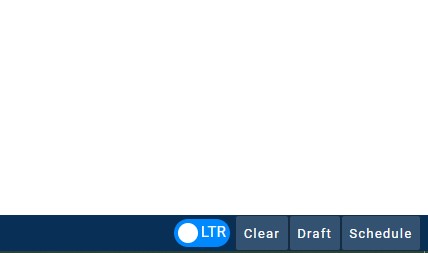
You can save a post with its scheduled time by clicking on the Draft button after creating a post in the Post Manager.

You can view your drafted post from the campaign views, such as Campaign List view.
After clicking on the campaign the post was added to, filter by post status by clicking the filter icon in the top-right of the page. 
Choose to filter by Draft status to view your drafted post.

You can find the scheduled time for the post beside the post in the Campaign List view.

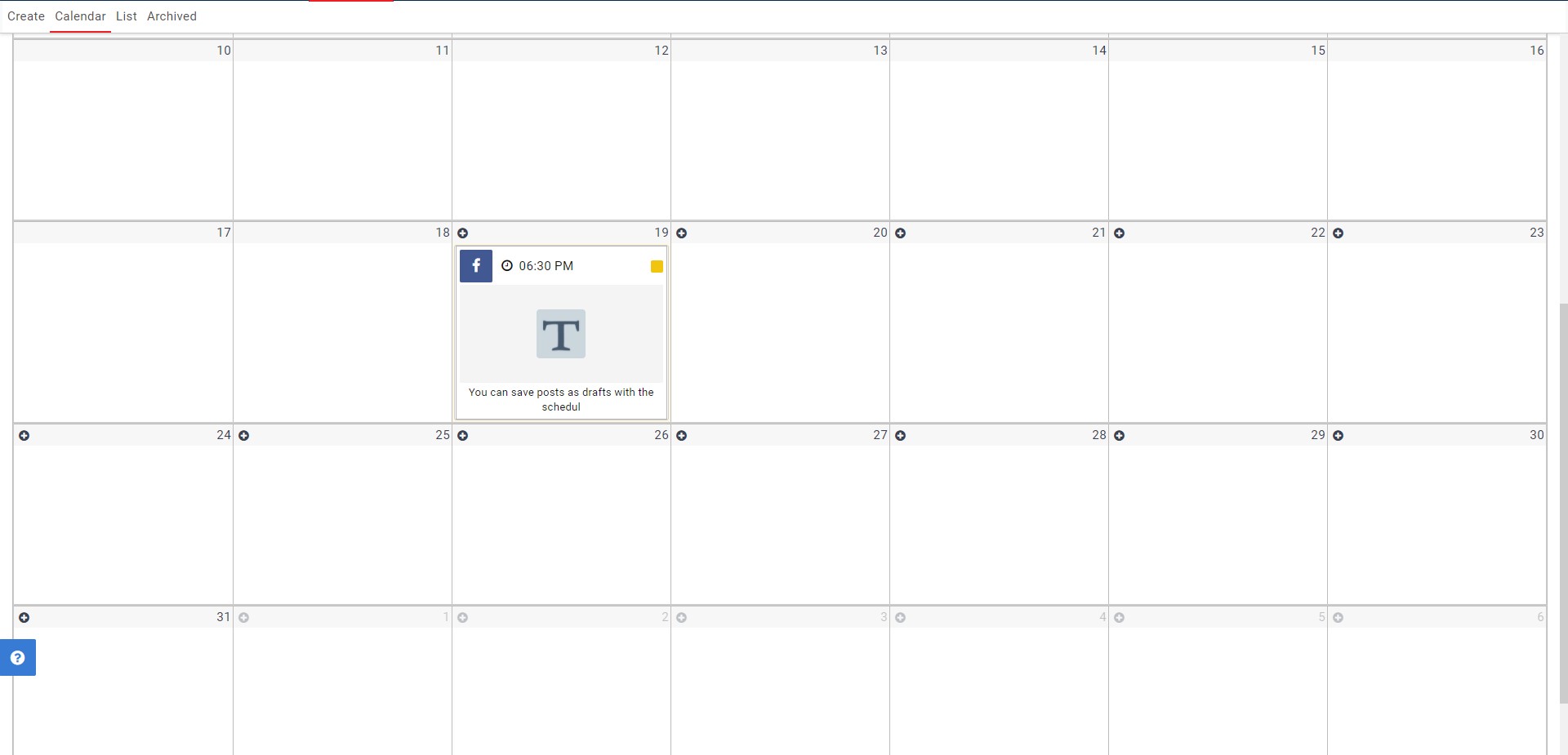
You can also view the scheduled date and time in the Campaign Calendar view.
Comments
0 comments
Please sign in to leave a comment.