
Available for Enterprise, Business, PRO, Advanced and Free subscriptions.
For Facebook multi-image publishing, the number of images you can upload in a single post is dependent on your MavSocial plan.
- Free users - up to 3 images,
- Advanced - up to 10 images,
- PRO - up to 25 images
- Business and Enterprise - up to 50 images, with the option to publish Slideshow posts.
How to Publish Multi-Image Facebook Posts:
- Navigate to Post Manager
- Select any Facebook profile
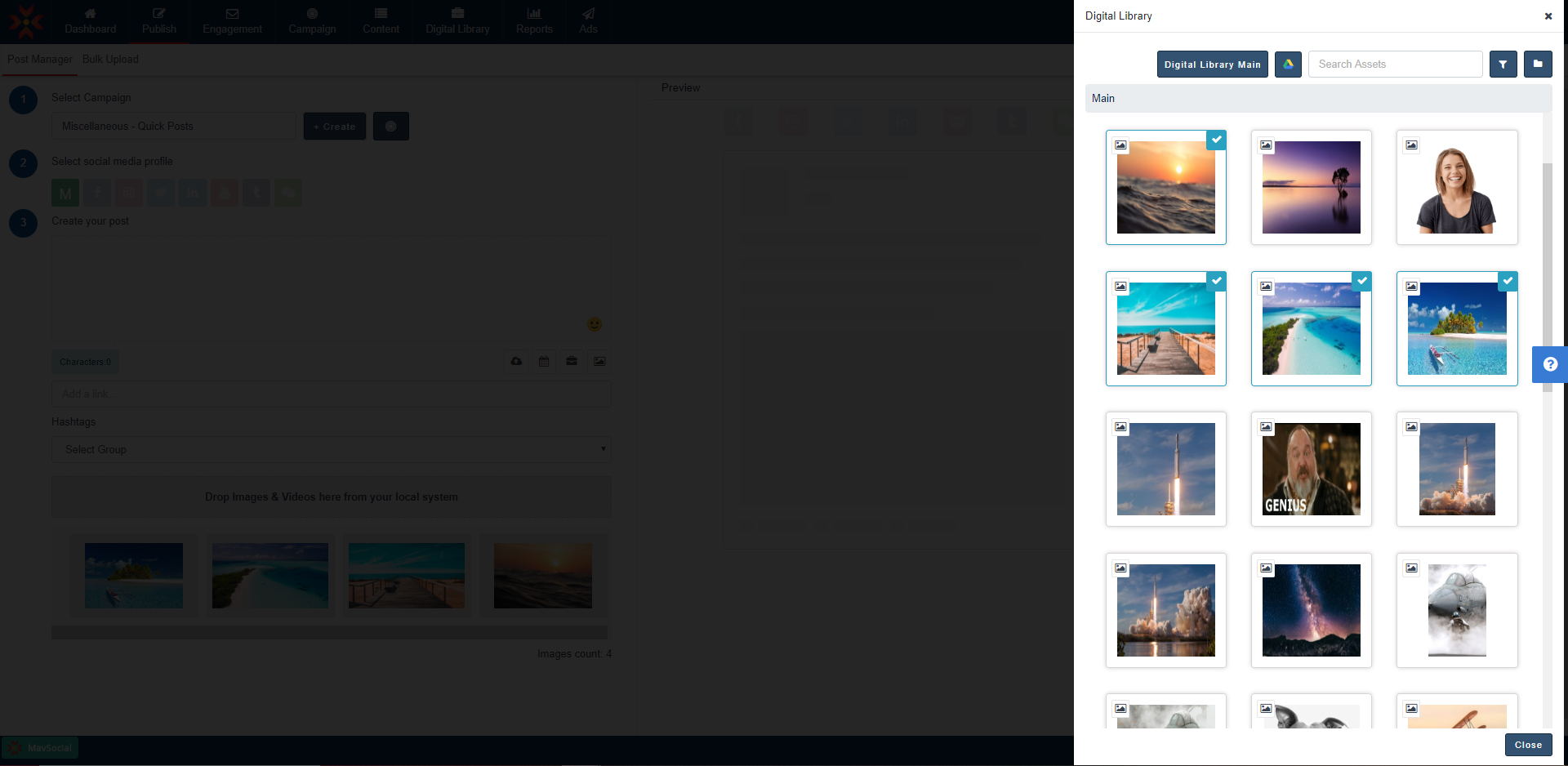
- Select multiple images from your Digital Library, the Stock Image Library, or Upload from your computer.
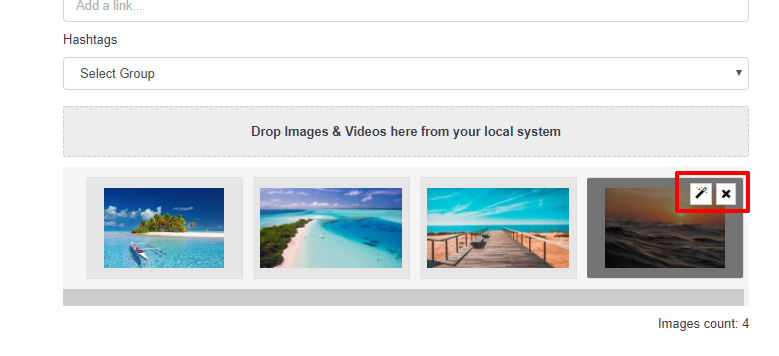
- Editing and De-selecting the image
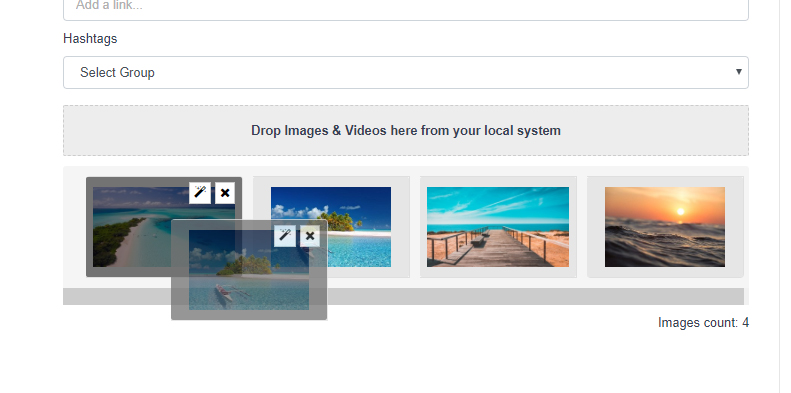
- Drag and Drop to rearrange the order of the selected images
Note: While adding multiple images, if you add a video or audio file, all images will be removed and the respective video or audio file will add to the post.
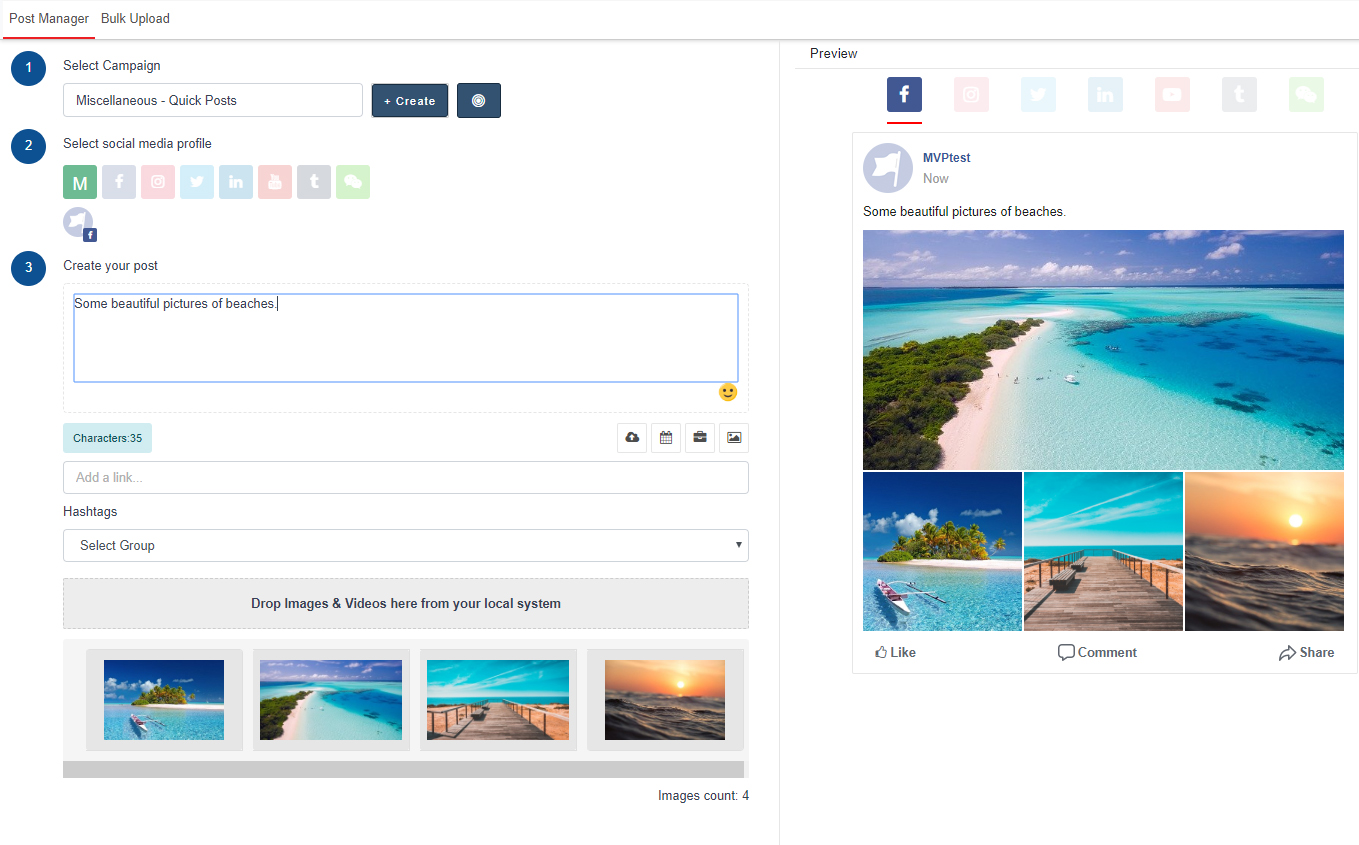
Preview of Carousel in Post Manager for Facebook
Comments
0 comments
Please sign in to leave a comment.