
This feature is for Advanced, PRO, Business, and Enterprise Users.
MavSocial’s Twitter mentions feature allows you to mention other Twitter profiles while creating a post.
How to mention another Twitter profile
- Navigate to the Post Manager.
- Click on the Twitter Tab.
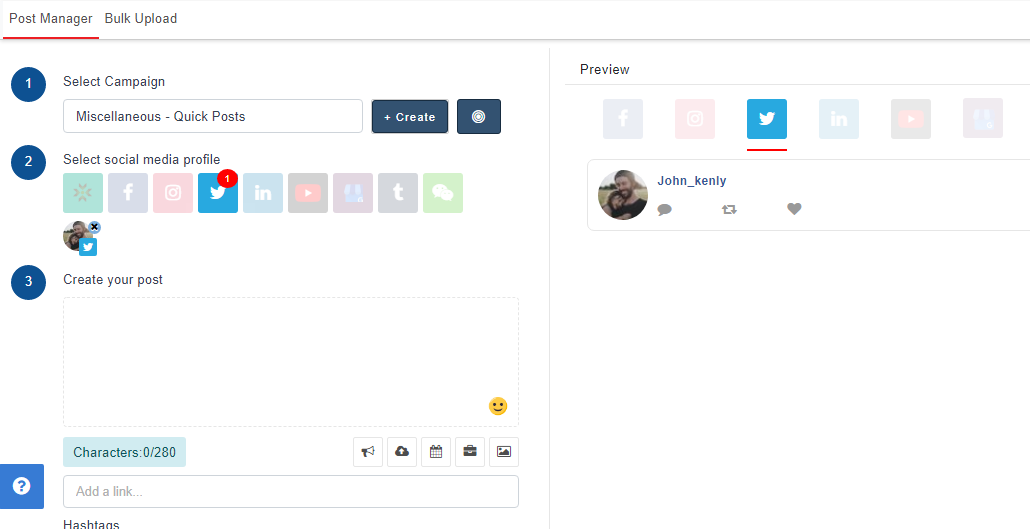
- In the post description, type an '@' symbol, and start typing a profile name. A dropdown list will appear, suggesting profiles to tag based on what you have entered.
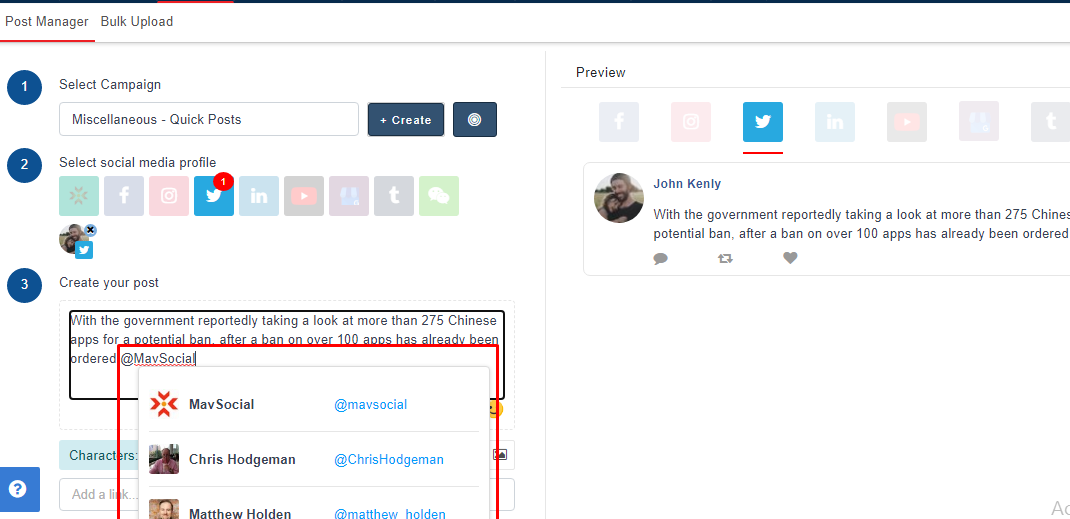
- Simply click the handle you would like to mention and that account will be tagged.
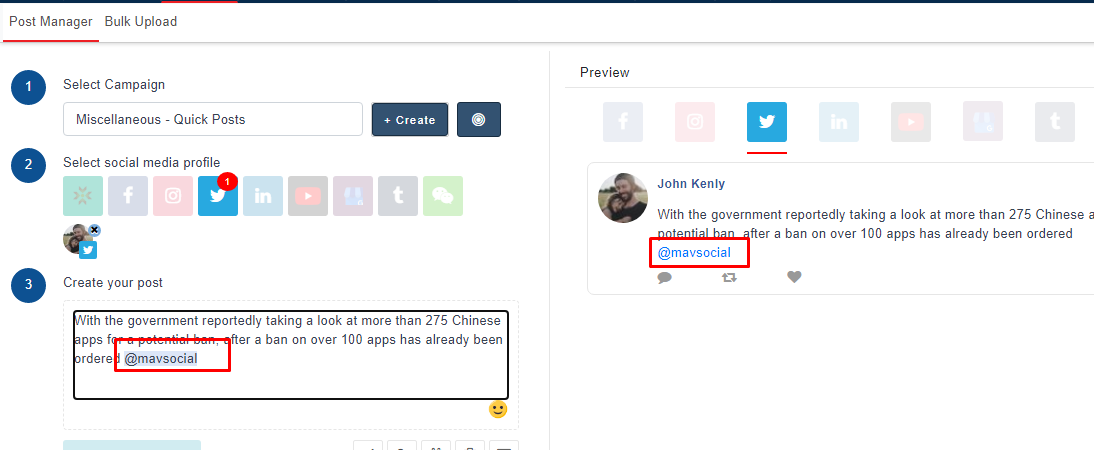
Note :- To mention Twitter profiles in a Twitter post, you will need to edit the post in the Twitter tab of the post manager.
Comments
0 comments
Please sign in to leave a comment.