
Available for Enterprise, Business, PRO, Advanced, and SBE users
MavSocial’s remove link or metadata option will allow you to remove the link or metadata in preview and you can directly publish/schedule the Post with selected link or metadata.
Removing link previews or metadata options is only available in the Facebook tab of the Post Manager and the MavSocial Chrome extension.
How to remove link or metadata in Post
- Navigate to the Post Manager.
- Choose which campaign you would like to add the post.
- Select the Facebook tab and enter the desired link URL in the post description.
- The link metadata preview will be generated and be displayed in the post preview on the right-hand side of the screen.
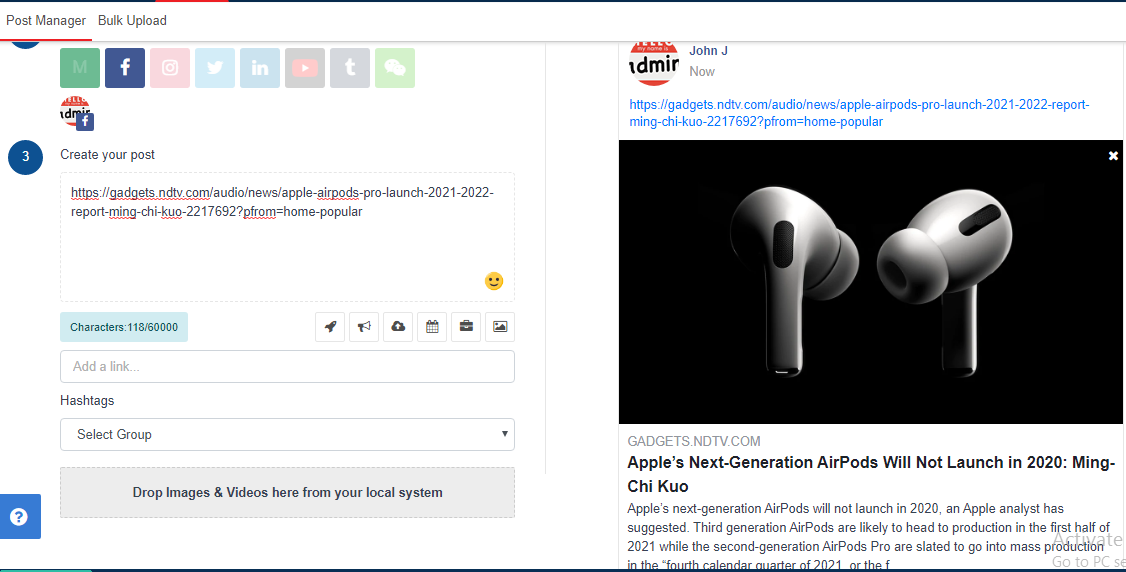
- You can find the cross icon at the top-right corner of the post preview. Click the cross icon, and the link metadata preview will be removed.

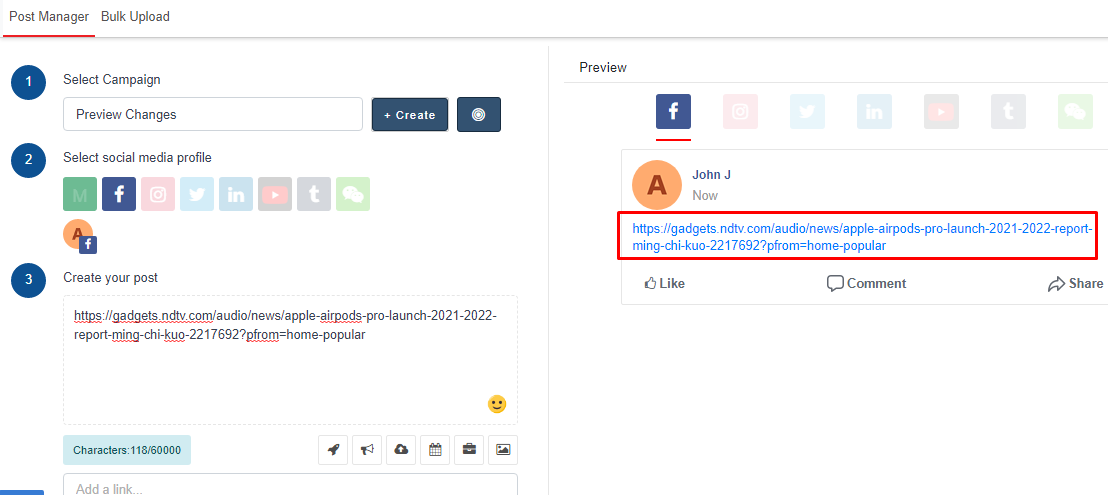
- The post preview will update to show what the Facebook post will look like when published.
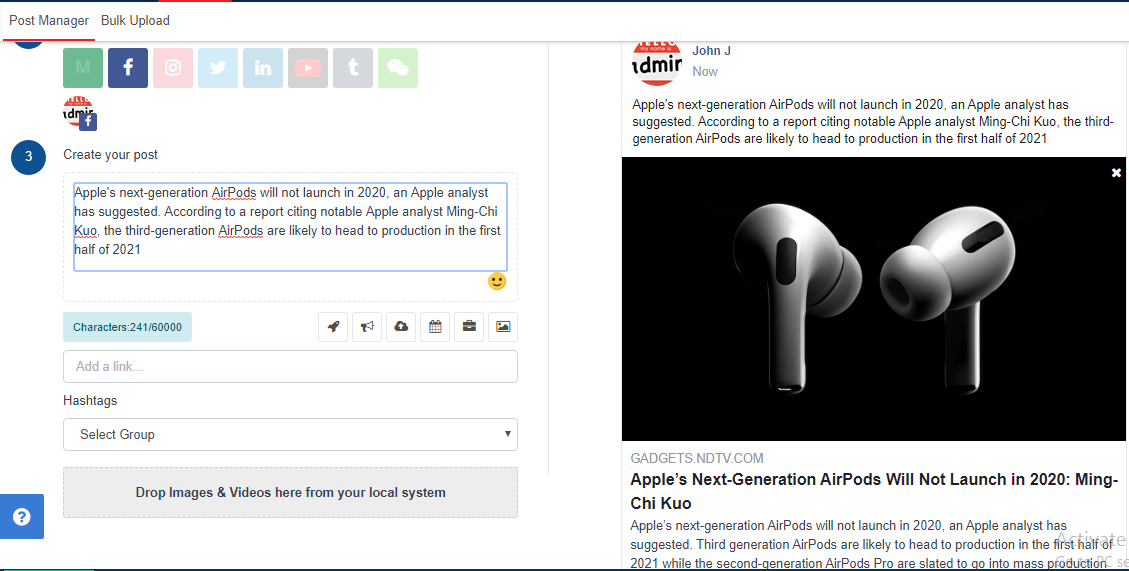
- You can also add the link URL and clear the link from the text while keeping the link metadata preview. This allows you to publish a link preview to Facebook without needing to include the link itself in the body of your Facebook post.
Comments
0 comments
Please sign in to leave a comment.