
This feature is available for Enterprise and Business users.
This feature allows you to view Instagram posts from the notification email that you receive once a post has been published.
How to redirect to a post/page?
- First, submit a post from a team member’s account.
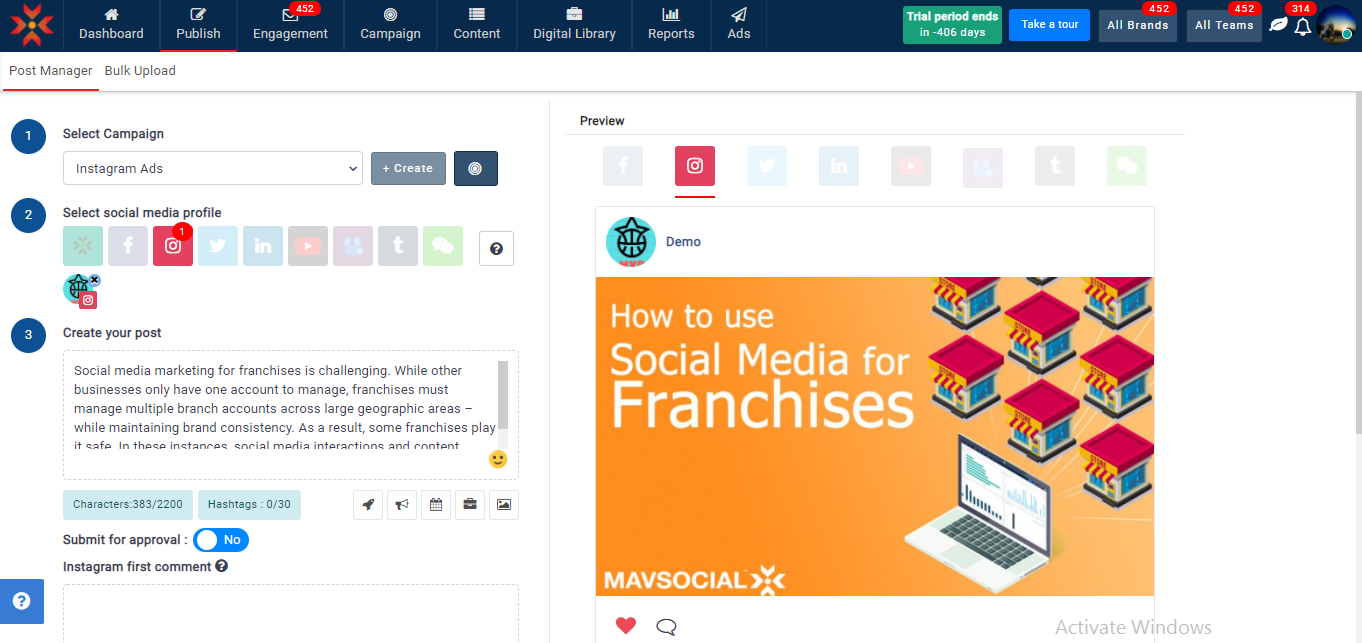
- You will receive a mail notification.
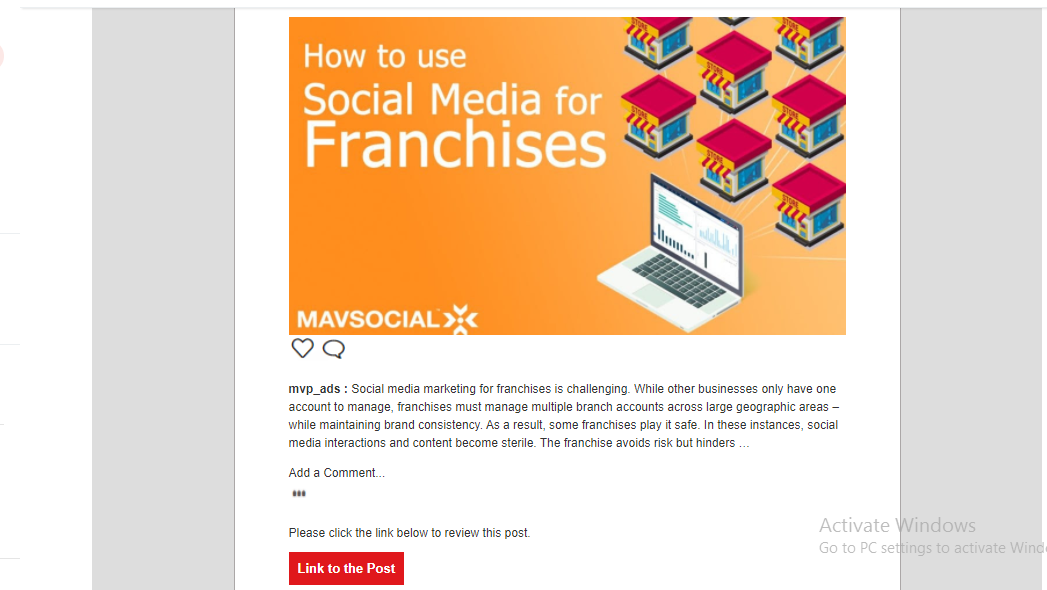
- Click on the “Link to the Post” button in the email.
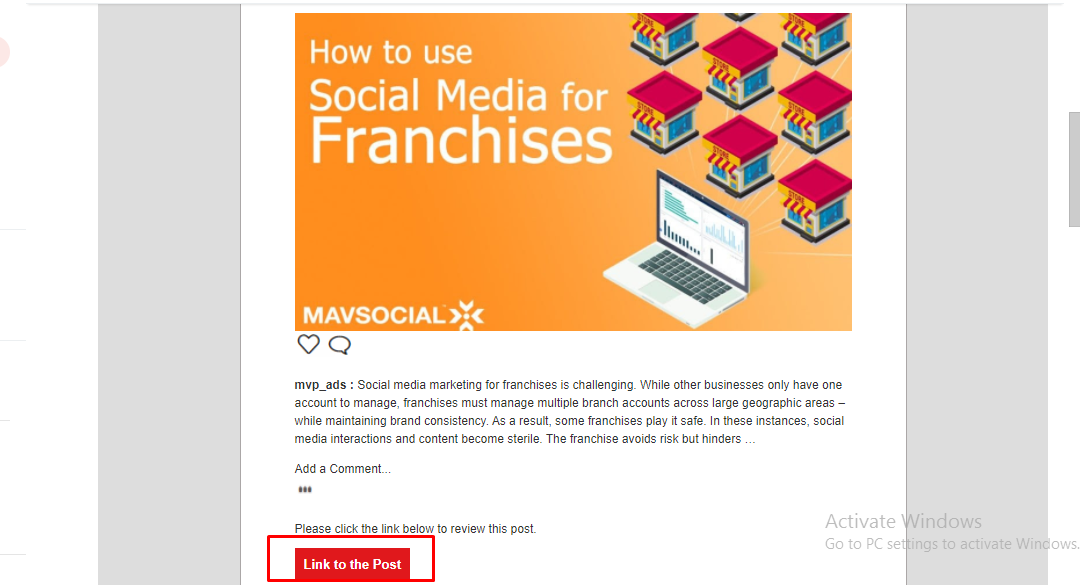
- If the account is already logged in, it will be redirected to the specified post.

- If the account is not logged in, it will first redirect to the login page, and after login, it redirects to the specific post.
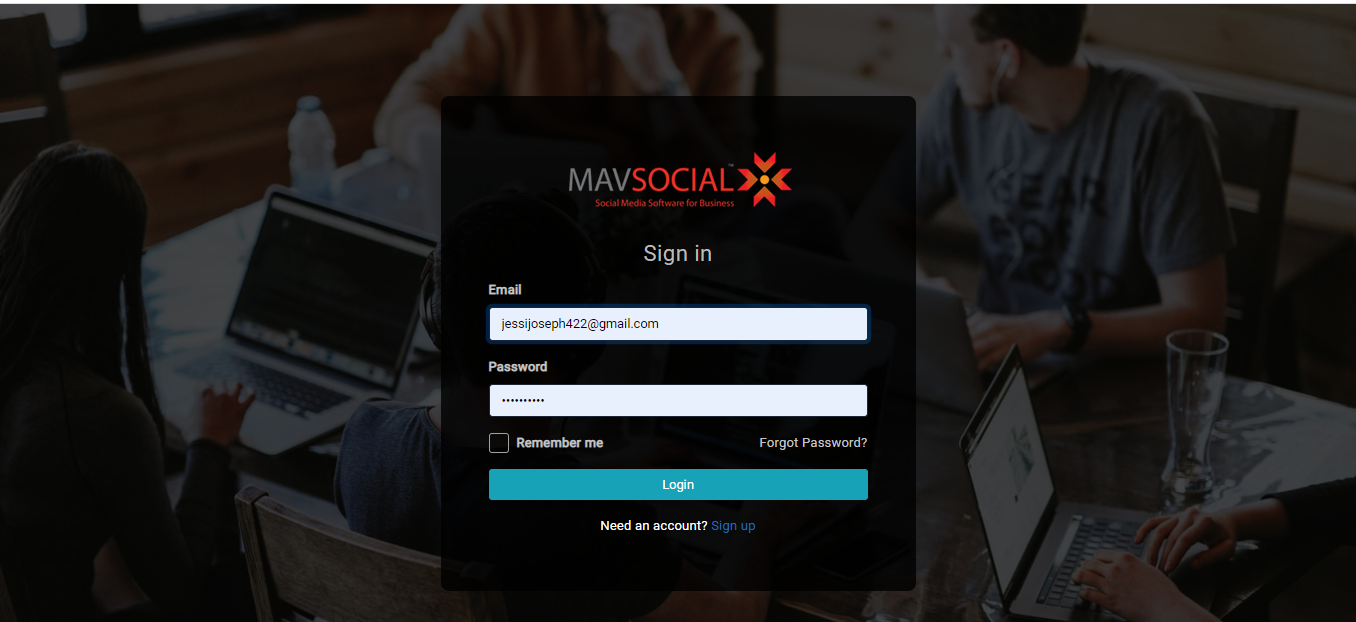
- Similarly, the page will redirect to social profiles, pending approvals, campaigns, etc., respectively after login.
Note: Pro, Advanced, and Free users can navigate to the page for token expiry and failed posts emails only
Comments
0 comments
Please sign in to leave a comment.